Skip to content
Transport Fever 3 ToolsUnofficial fan toolkit
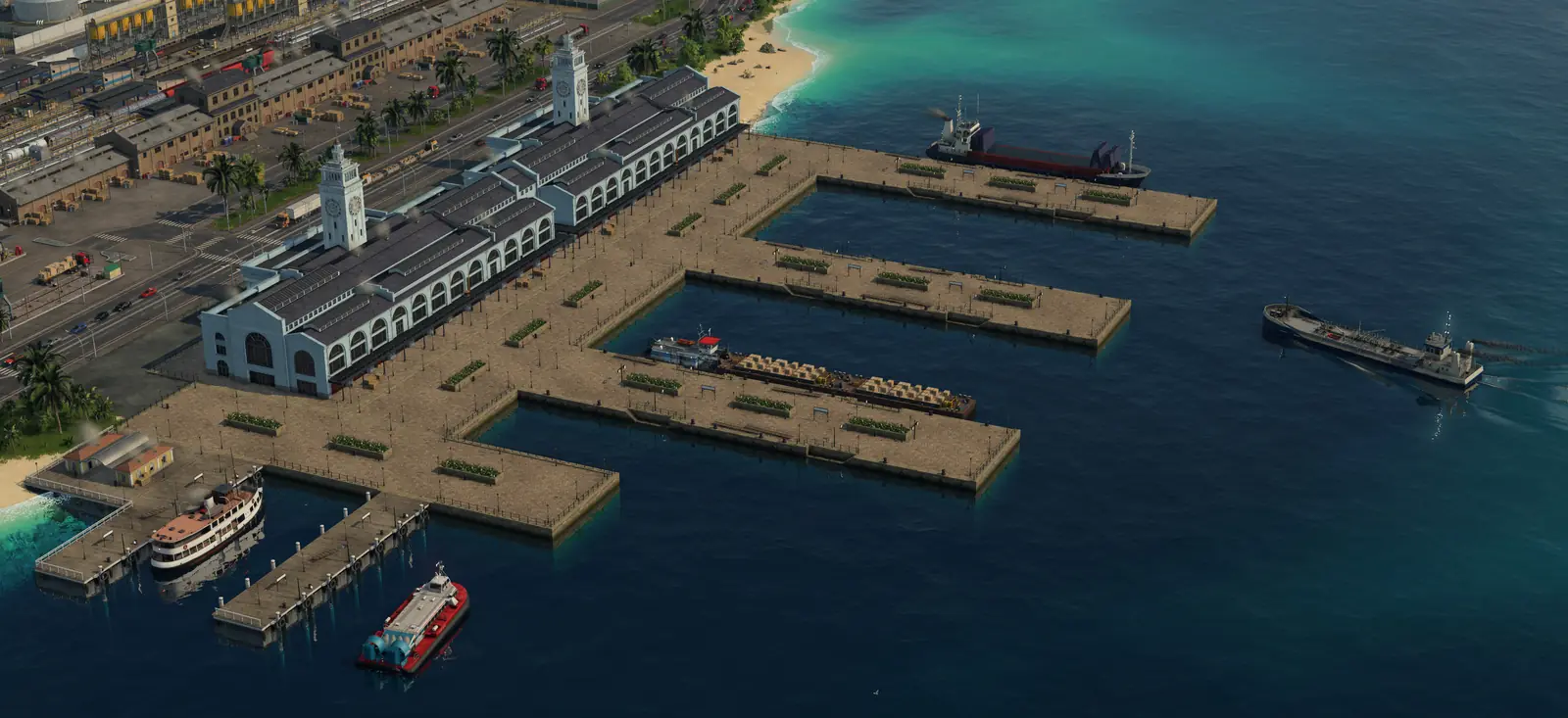
A large Transport Fever 3 harbor seen from above, with a white terminal building, long piers, a passenger ferry and cargo ships on turquoise water
Screenshot: Transport Fever 3 © Urban Games

Guide

Transport Fever 3 Ships and Harbors: Big Ships, Landings and Routes

Why a big ship will not stop or finds no path, how harbors, landings and shipyards work, how to steer ships with waypoints, and which ships in our vehicle list are large, from the official manual.

Last updated Game version: Release version, manual pages revised 2026-09-28 and 2026-09-29

The short answer

  • Big ship will not stop? Harbors have landing areas in two sizes, and a large ship can only stop at a large one. Give the harbor a large landing. Checks in order
  • New ship has no path? A shipyard has to stand near navigable water, and a ship you buy for a line needs a way through navigable water from that shipyard to the line's first stop.
  • One harbor takes both. The manual lists a single harbor type, the Passenger and Cargo Harbor, available from 1900. How harbors work
  • Want another route? Ships, like trains and road vehicles, always pick the shortest way between two stops. Waypoints change that. Ship lines

Big ship has no path or will not stop: check these in order

  1. Is the ship large? Harbors have landing areas in two sizes, and a large ship can only stop at a large one. The manual's vehicle page repeats the same limit for docks. The ship list below shows which ships are large.
  2. Does every landing sit in the water? A new harbor has three parts: the landing area, which must sit in navigable water; the harbor building and its pier, which can stand partly on land and partly over water; and the street access, which must be on solid ground.
  3. Can the ship get from its shipyard to the line? A shipyard has to stand near navigable water, and a ship you buy for a line needs a way through navigable water from that shipyard to the line's first stop.
  4. Was it bought at the right shipyard? Vehicles cannot be moved from one depot to another, so buy each ship at a shipyard that can reach its line. A ship you send back to a depot goes to the nearest shipyard it can reach, not necessarily the one it came from.
  5. Read the warnings. When a vehicle cannot reach a stop or a terminal, the line gets a problem icon in the line manager, and the warnings at the top of the screen list it. Changing tracks or signals can cause this later.

If the ship gets there but its cargo stays on board, the stop may not take that cargo: see why cargo won't unload.
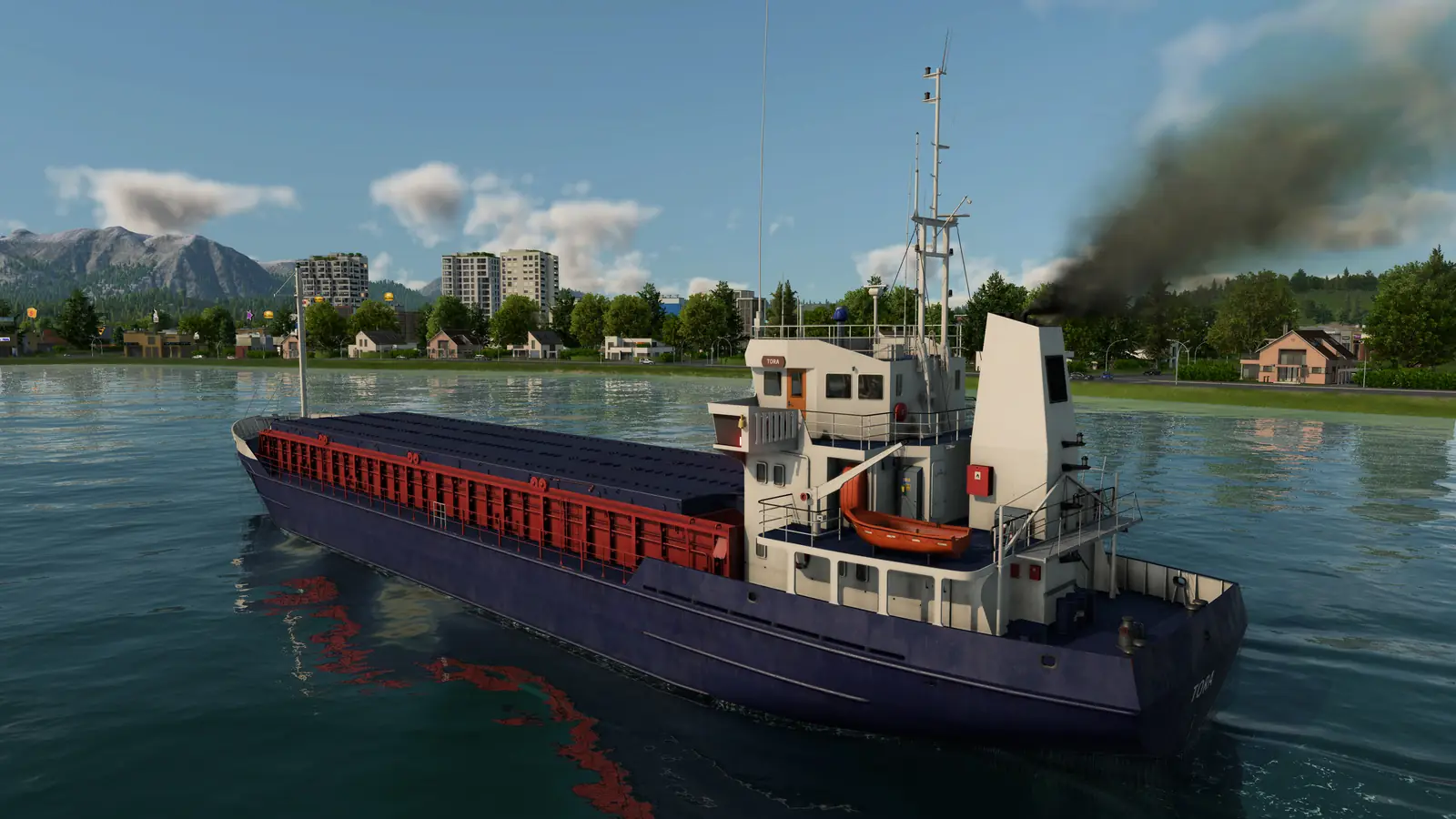
A large Transport Fever 3 cargo ship with a red deck and a white bridge sailing close to a green shore, with a town and mountains behind
A large cargo ship close to the shore. Screenshot: Transport Fever 3 © Urban Games View full size

How harbors work

Harbors can only go along the shore. They snap to the coastline by themselves; hold Shift while you place one to stop the snapping. The three parts of a new harbor are in step 2 of the checks above.

Each landing area is a terminal where ships stop, and one harbor can have several. While you place them, a yellow anchor marks each landing.

The manual lists a single harbor type, the Passenger and Cargo Harbor, available from 1900. Depending on the station type, a terminal can be for passengers only or for cargo only. Harbors make no such split, but large ships can only use large landings. The manual's vehicle page, revised a day earlier, still says that only cargo harbors handle the loading and unloading of cargo. So the manual is not consistent here; the harbor it lists is meant for passengers and cargo alike.

Shipyards and repairs

Ships are bought at a shipyard. Depots and shipyards are the only places that sell vehicles. The manual lists the shipyard from 1900. Where it has to stand and which shipyard to buy from are steps 3 and 4 of the checks above.

A shipyard also repairs ships within a small radius around it. A water maintenance building, also available from 1900, repairs passing ships over a wider radius, but it does not sell ships.

When ships arrive in your game depends on the start year: see when vehicles unlock.

Ship lines and routes

Ships, like trains and road vehicles, always pick the shortest way between two stops. To send a ship another way, add a waypoint to its line: while you edit the line, hold Shift and click a valid spot along the way. The ship has to pass the waypoint but never stops there.

If a ship's line may use other landings as alternatives, the ship chooses one at the waiting point just outside the harbor. The departure options are Load if available, Full load (any) and Full load (all). In the base game only trains and ships tell any from all; every other vehicle waits until it is full with either.

Some ships carry several cargo types at once, others only one type at a time; when the cargo changes, the ship is refitted at the stop. Power sets how fast a ship speeds up and its top speed. The game also works out water resistance from the hull's shape, a value the interface does not show. To plan what a ship should carry, the production chain planner shows which industry needs which cargo.
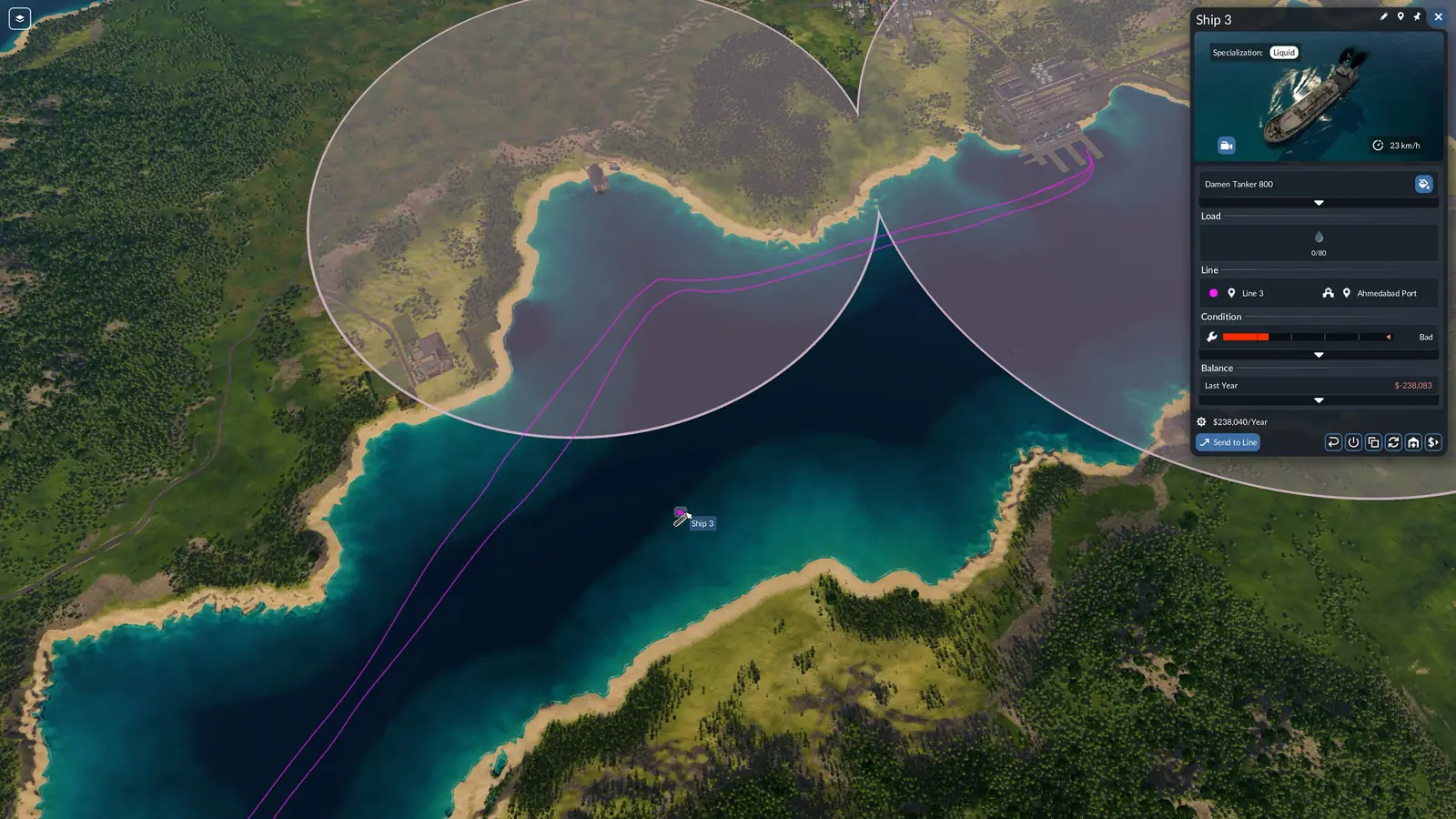
A Transport Fever 3 tanker on its line across a bay, with the route drawn in purple, two station catchment circles and the ship's window showing its line, condition and last year's balance
A tanker on its line: the route across the water is drawn in the line's color, and the ship's window shows its line, condition and last year's balance. Screenshot: Transport Fever 3 © Urban Games View full size

Every ship in our vehicle list, large ones first

Large ships need a large landing. We show a number only when two different players' videos show the same value.

ShipSizeYearsTop speedCapacity
Dunara CastleLarge ship1875–193020 km/h40 (passengers and any cargo)
PS TrilliumLarge shipfrom 1910end year not confirmed yet35 km/h50 passengers
TS Queen MaryLarge shipfrom 1930end year not confirmed yet50 km/h80 passengers
Canadian TrawlerSmall ship1884–194835 km/h10 (any cargo)
WaimarieSmall ship1889–194030 km/h20 passengers
SydfartSmall ship1900–193030 km/h20 (Bulk / Goods / Liquid / Flatbed)
SternwheelerSmall shipfrom 1915end year not confirmed yet40 km/h30 (passengers and any cargo)

Prices, power, weight and length for each ship are in the vehicle list.

What the manual does not say

  • How deep or how wide water has to be for a large ship.
  • Whether you can dig new waterways: the manual's landscaping page does not mention water.
  • A list of which ships are large. Our vehicle list below gives the size of each ship we could confirm.

Frequently asked questions

Why does my big ship find no path or not stop at the harbor?

Harbors have landing areas in two sizes, and a large ship can only stop at a large one. Add a large landing to the harbor, or use a small ship on that line. If the ship cannot reach the line at all, check its shipyard: a shipyard has to stand near navigable water, and a ship you buy for a line needs a way through navigable water from that shipyard to the line's first stop.

Which ships are large in Transport Fever 3?

In our vehicle list, the Dunara Castle, the PS Trillium, and the TS Queen Mary are large ships, and the Canadian Trawler, the Waimarie, the Sydfart, and the Sternwheeler are small. A large ship needs a large landing at every harbor on its line.

Can one harbor handle both passengers and cargo?

Yes. The manual lists a single harbor type, the Passenger and Cargo Harbor, available from 1900. The manual's vehicle page, revised a day earlier, still says that only cargo harbors handle the loading and unloading of cargo. So the manual is not consistent here, but the only harbor it lists is meant for both.

Where do I buy ships?

Ships are bought at a shipyard. Depots and shipyards are the only places that sell vehicles. The manual lists the shipyard from 1900. Vehicles cannot be moved from one depot to another, so buy each ship at a shipyard that can reach its line. A ship you send back to a depot goes to the nearest shipyard it can reach, not necessarily the one it came from.

How do I make a ship take a different route?

Ships, like trains and road vehicles, always pick the shortest way between two stops. To send a ship another way, add a waypoint to its line: while you edit the line, hold Shift and click a valid spot along the way. The ship has to pass the waypoint but never stops there.

Can a ship carry more than one cargo type?

Some ships carry several cargo types at once, others only one type at a time; when the cargo changes, the ship is refitted at the stop. The departure options are Load if available, Full load (any) and Full load (all). In the base game only trains and ships tell any from all; every other vehicle waits until it is full with either.

Sources

The game facts on this page come from these pages of the official manual:

  • Stations and Depots (harbors, landing sizes, shipyards and maintenance buildings; revised September 29, 2026)
  • Lines and Vehicles (routes, waypoints, alternative landings and buying vehicles for a line; revised September 29, 2026)
  • Vehicles (what ships carry, refitting, power and water resistance; revised September 28, 2026)

The ships themselves come from our vehicle list, which shows a number only when two different players' videos agree on it. Checked on October 10, 2026. Seen something different in game? Let us know.

Continue reading

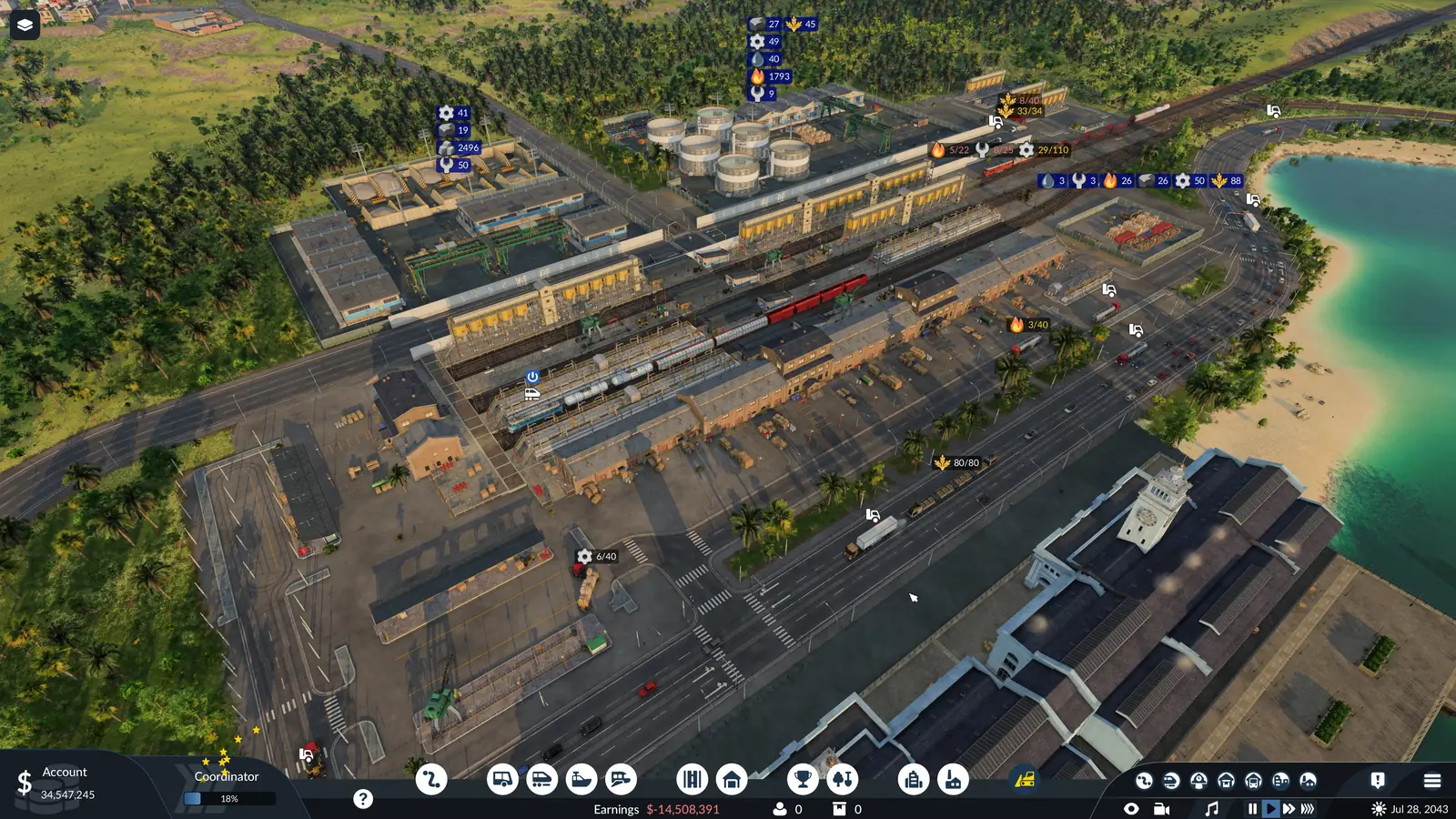
A large Transport Fever 3 cargo hub by the sea, with a rail freight yard, trucks, oil tanks and harbor shedsNext stepShip arrived but kept its cargo? See where each cargo can be unloaded.Why Cargo Won't UnloadWhere each cargo type can be unloaded, which warehouse module it needs, and a step-by-step check for cargo that stays on board.Go there

Related guides

Card pictures: Screenshot: Transport Fever 3 © Urban Games