Skip to content
Transport Fever 3 ToolsUnofficial fan toolkit
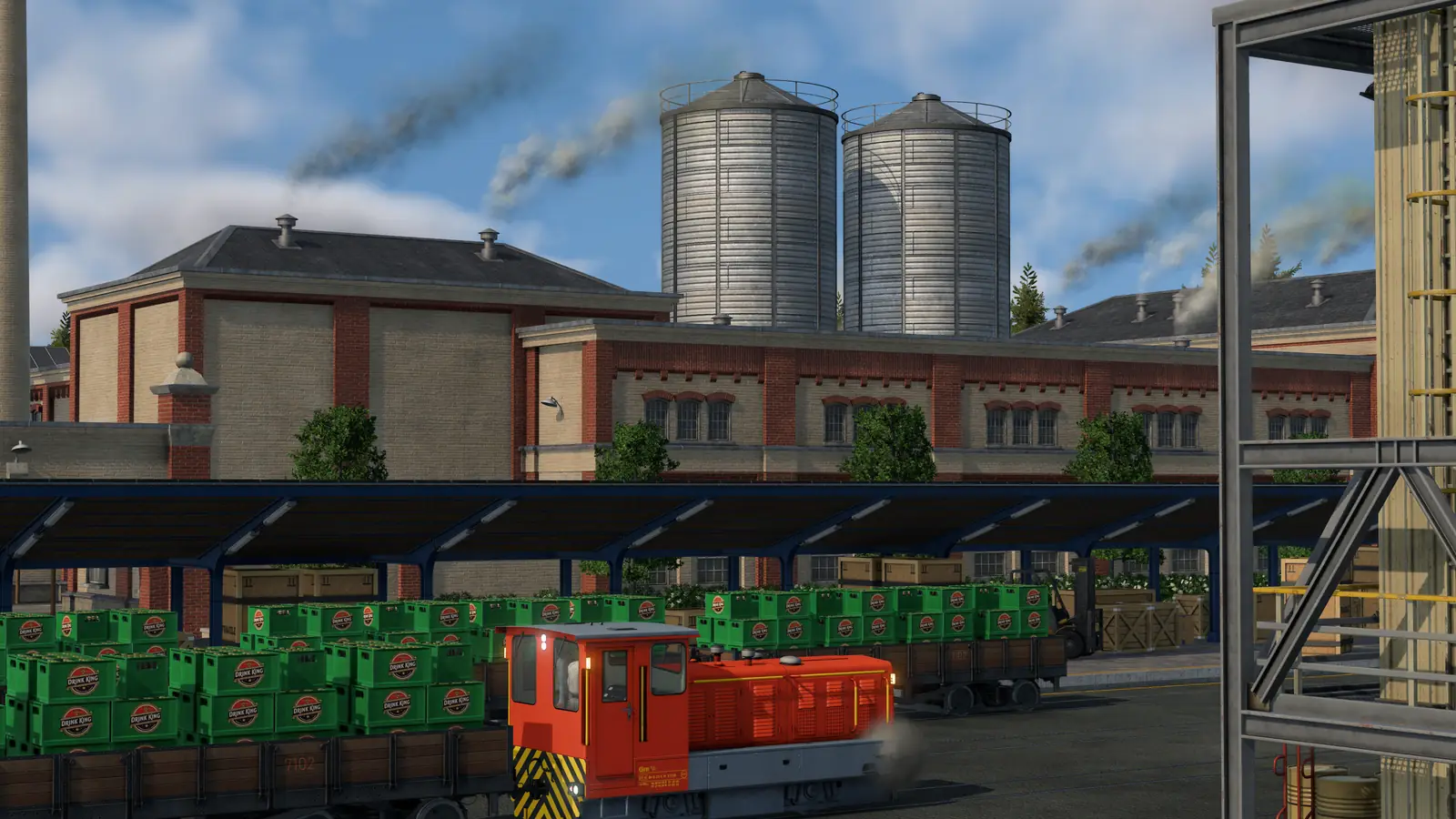
A Transport Fever 3 cargo station: a red shunting engine and a row of wagons loaded with green crates under a long platform roof, with factory buildings and silos behind
Screenshot: Transport Fever 3 © Urban Games

Guide

Transport Fever 3 Stations: How to Build, Extend and Pick the Right One

Stations are in the Buildings tab of each transport tool: choose one, set its platforms and length on the right, and place it on a street, a track or the shore. After that, Configure adds modules, 10-meter pieces for road stations and 40-meter pieces for train stations, and one station can serve passengers and cargo. Below: every station type, the year it arrives, and where vehicles are bought and repaired.

Last updated Game version: Release version, manual page revised 2026-09-29

The short answer

  • Buildings tab. Every transport tool has one, with a filter for passenger and cargo stations. Build one
  • Configure to grow. Add platforms, tracks, buildings and roofs module by module. Extend
  • Passengers and cargo together. Road and train stations can take both. Station types
  • Buy at depots, repair nearby. Maintenance buildings repair over a wider area. Depots

How to build a station

  1. Stations sit in the Buildings tab of each of the four transport tools. A filter icon narrows the list to passenger or cargo stations.
  2. Before you place one, the settings panel on the right sets its starting size: how many platforms or tracks, and how long.
  3. Turn it with the M and N keys, or hold Shift and drag sideways with the left mouse button. Raise or lower it with the comma and period keys; hold Shift for smaller steps.
  4. A station snaps to tracks, streets and, for harbors, coastlines. Hold Shift while placing it to stop the snapping.
  5. Buildings in the way turn yellow, a warning appears, and the cost of knocking them down is added to the price before you click.

How to extend or change a station

  1. Select a station and press Configure: the map turns white and the station's modules can be added, swapped and removed.
  2. Modules include tracks, platforms, buildings, roofs and underpasses, sorted into tabs at the bottom of the screen. Roofs and underpasses can only sit above or under other modules, and tracks always run side by side.
  3. Many modules can be swapped for another module of the same size, and each module shows its own building cost while you work.
  4. Inside the configuration mode the bulldozer removes single modules; used outside it, the bulldozer removes the whole station.

Who a station reaches depends on its catchment area, and specialized cargo terminals change how fast each cargo loads: both are explained in the cargo unloading guide. How many people a platform and a waiting hall hold is in the line manager guide.

Station types

Road stations

Starts with: Up to four platforms, shared by buses, trams and trucks.

Grows with: Modules of 10 meters each, plus extra entries and exits on any side.

  • A cargo station can have universal terminals or one specialization.
  • Cargo modules can join a passenger station and passenger modules a cargo station, making one combined station.
  • Small stops at the side of a street are the cheap alternative. Stops facing each other in the same stretch of street count as one station; they take passengers and cargo, but cargo loads more slowly there than at a station.

More on trams and tram stops.

Train stations

Starts with: Up to eight tracks, as a through station or a terminus.

Grows with: Modules of 40 meters each; one station can mix terminus tracks and through tracks.

  • Track modules let you electrify only some tracks, or turn single tracks into high-speed tracks.
  • Layouts can include tracks without platforms for trains that pass through, and half platforms with a switch between them.
  • Cargo platforms and buildings can join a passenger station, and the other way around.
  • Station buildings fit on every side, and more entrance buildings on different sides make the catchment area bigger.

More on signals around stations.

Harbors

Starts with: A landing area in navigable water, a harbor building with a pier, and a street access on solid land.

Grows with: More landing areas, each shown with a yellow anchor while you edit.

  • Landing areas come in a small and a large size; large ships need a large one.
  • A harbor makes no difference between passengers and cargo, and it can only be built along the shore.

More on ships and harbors.

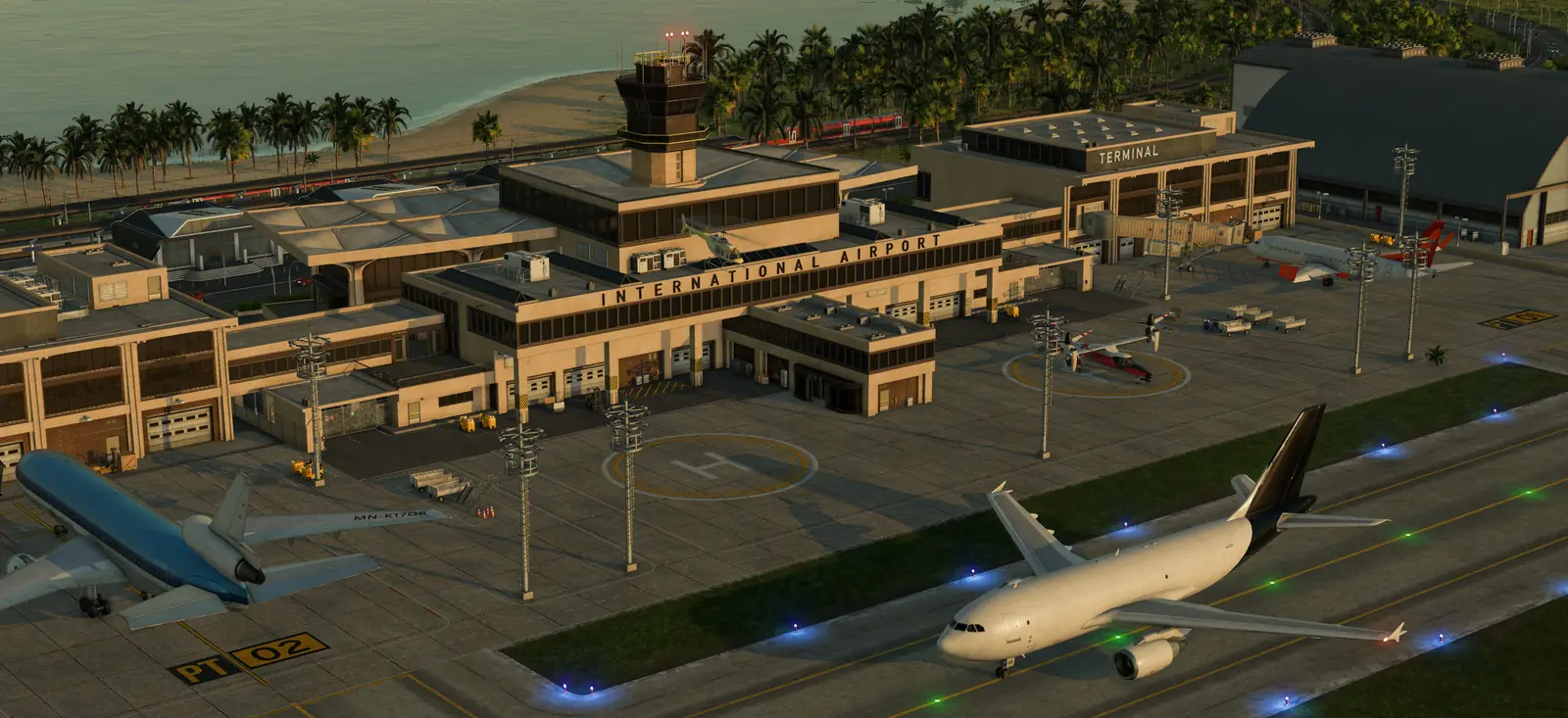
Airfields, airports and heliports

Starts with: Airfields take small planes; airports take every plane and helicopters.

Grows with: A second runway, then a taxiway, more terminals and hangars on its far side.

  • Hangars are built into every airport, so planes are bought there; helicopters are bought at a heliport.
  • The approach lights decide which way planes land.
  • Helipads are for landing and taking off only.

More on the airport guide.

When each station arrives

StationAvailable
Road stopfrom 1900 (three periods in the manual: 1900–1950, 1950–1980 and 1980 onward)
Bus and tram stationfrom 1900 (three periods in the manual: 1900–1950, 1950–1980 and 1980 onward)
Cargo station (road)from 1900
Passenger through stationfrom 1900 (three periods in the manual: 1900–1950, 1950–1990 and 1990 onward)
Passenger terminusfrom 1900 (three periods in the manual: 1900–1950, 1950–1980 and 1980 onward)
Cargo through stationfrom 1900
Cargo terminusfrom 1900
Harbor (passengers and cargo)from 1900
Airfieldfrom 1920
Airportfrom 1950
Heliportfrom 1950
Helipadfrom 1950

For some stations the manual's table lists three periods instead of one year; it does not explain them. It lists the road cargo station from 1850, earlier than the earliest start year, so that station is there from the first day of any game.

Depots and maintenance buildings

  • Depots and shipyards are the only places to buy road vehicles, trams, trains and ships. Planes come from the hangars built into airports, helicopters from the hangar of a heliport.
  • Every depot repairs vehicles that pass close to it. Maintenance buildings repair over a wider area, but sell nothing; there are maintenance buildings for road, rail and water, none for aircraft.
  • Connect each depot to the street, tram or rail network its line uses, or new vehicles cannot reach the first stop. A shipyard needs navigable water and a water route to the line's first stop.
  • Road, tram and train depots, shipyards and the three maintenance buildings are all available from 1900.

Underground tram stations are a separate case, with their own rules: see underground stations and metro.

What the manual does not say

  • Whether stations can be curved: the manual describes straight modules and does not mention curved platforms.
  • How far the repair radius of a depot or a maintenance building reaches, in meters.
  • How many passengers each platform or waiting hall holds: the game shows it in each building's description.

Frequently asked questions

How do you build a station in Transport Fever 3?

Stations sit in the Buildings tab of each of the four transport tools. A filter icon narrows the list to passenger or cargo stations. Before you place one, the settings panel on the right sets its starting size: how many platforms or tracks, and how long. A station snaps to tracks, streets and, for harbors, coastlines. Hold Shift while placing it to stop the snapping.

How do you make a station longer or add platforms?

Select a station and press Configure: the map turns white and the station's modules can be added, swapped and removed. Road stations grow in pieces of 10 meters and train stations in pieces of 40 meters.

Can one station handle passengers and cargo?

Yes. Cargo modules can join a passenger station and passenger modules a cargo station, making one combined station. Train stations work the same way, and harbors make no difference between the two at all.

When do airports and heliports become available?

Airfields for small planes arrive in 1920; airports, heliports and helipads in 1950.

Where do you buy vehicles in Transport Fever 3?

Depots and shipyards are the only places to buy road vehicles, trams, trains and ships. Planes come from the hangars built into airports, helicopters from the hangar of a heliport.

What do maintenance buildings do?

Every depot repairs vehicles that pass close to it. Maintenance buildings repair over a wider area, but sell nothing; there are maintenance buildings for road, rail and water, none for aircraft.

Can you build curved stations in Transport Fever 3?

The official manual does not mention curved platforms or curved stations.

Sources

Every fact on this page comes from the official Transport Fever 3 manual:

  • Stations and Depots (building and configuring stations, every station type, depots and maintenance; revised September 29, 2026)

Checked on October 11, 2026. Seen something different in game? Let us know.
Continue reading

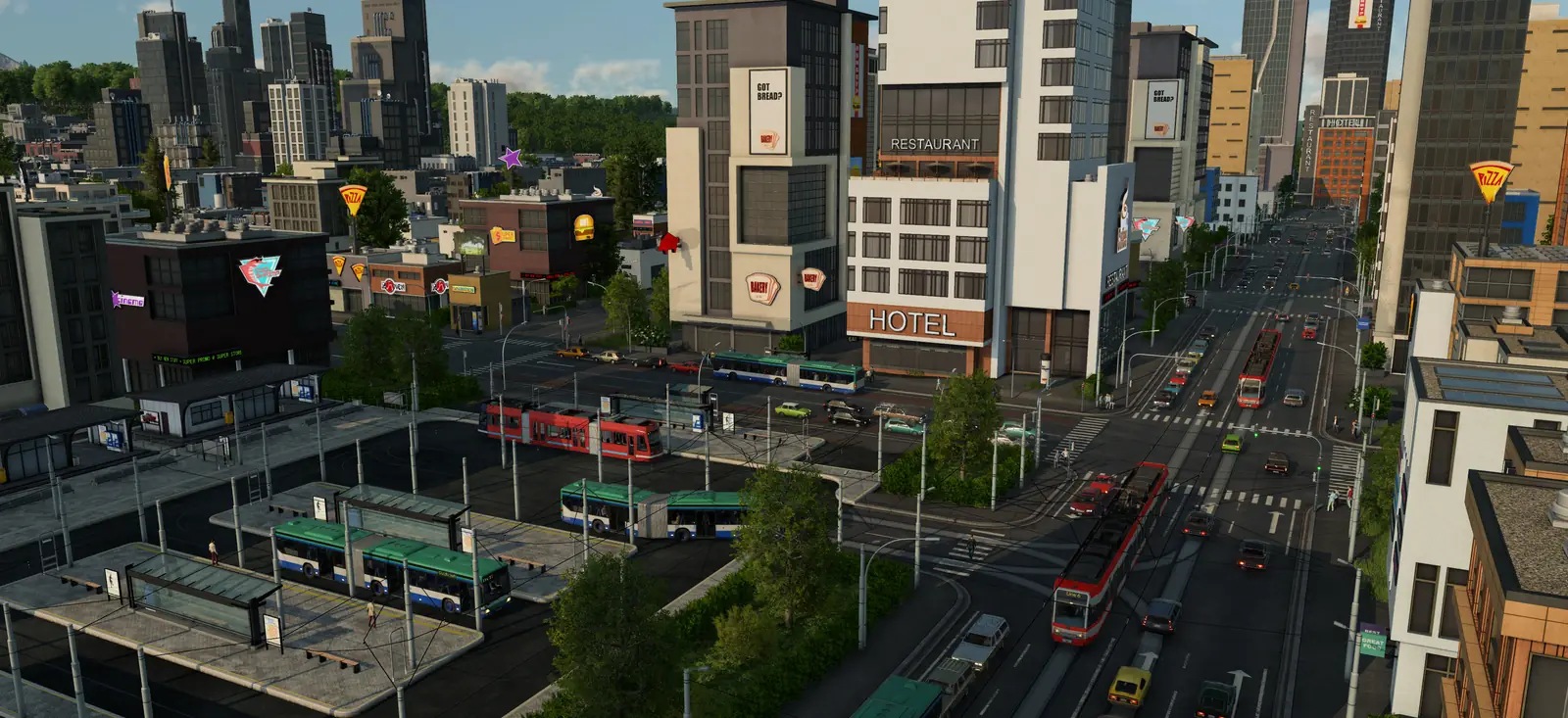
A busy Transport Fever 3 bus and tram station downtown, with green and blue buses at covered platforms, red trams on the avenue and high-rise towers behindNext stepStations built? Set up a line and give it enough vehicles.Line Manager, Frequency and RateHow to make a line, what frequency, rate and utilization mean, how to carry more on a busy line, and how to replace, sell, clone or move vehicles.Go there

Related guides

Card pictures: Screenshot: Transport Fever 3 © Urban Games