Hard limits to check before you buy
- Processors without AVX2 cannot run the game. Macs need Apple silicon, as Macs with an Intel processor are not supported, and only 64-bit systems work.
- Every system needs 90 GB on an SSD, at minimum and recommended alike.
- Two switches in Settings › Advanced can warn you: Show Unsupported Hardware Warning when you play on unsupported hardware such as a graphics chip built into the processor, and Show Video Memory Usage Warning when your graphics settings are too high.
- Asked about Intel's B390 graphics, which is built into the processor, staff said it counts as officially unsupported because it is not a dedicated graphics card. On that chip, low settings and a lower Resolution Scale should still let the game run. (Urban Games' UG.matthias on the official forum, October 2, 2026)
- On a computer with both a built-in and a separate graphics card, check that the game uses the separate one: open stdout.txt in the crash_dump folder and find the line Selected device. Its number should be the one given to the separate card a few lines further up.
- On Linux: check that Vulkan is installed correctly and that other programs using Vulkan work.
Steam Deck and consoles
Steam Deck rating: Unknown. Valve has not tested the game on Steam Deck yet, so Steam shows no Verified, Playable or Unsupported badge for it.
You can buy Transport Fever 3 for Windows, macOS and Linux from Steam, GOG or the Epic Games Store, and for Xbox Series X|S or PlayStation 5. On consoles the game offers only the Small, Medium, and Large maps, because of memory limits: see the map sizes guide.
If the game runs slowly
To find what slows the game down, watch how busy the processor, graphics card, memory and video memory are while you play. Video memory close to full: lower the texture quality. Graphics card at full load all the time: lower the graphics quality, the resolution scale or the resolution. A few processor cores working hard while the graphics card is not: the simulation itself is the limit.
When the frame rate is low even with the game paused:
- Pick a lower graphics preset in Settings › Graphics.
- Lower the Resolution Scale setting.
- Play at a lower resolution, such as 1920×1080 instead of 3840×2160.
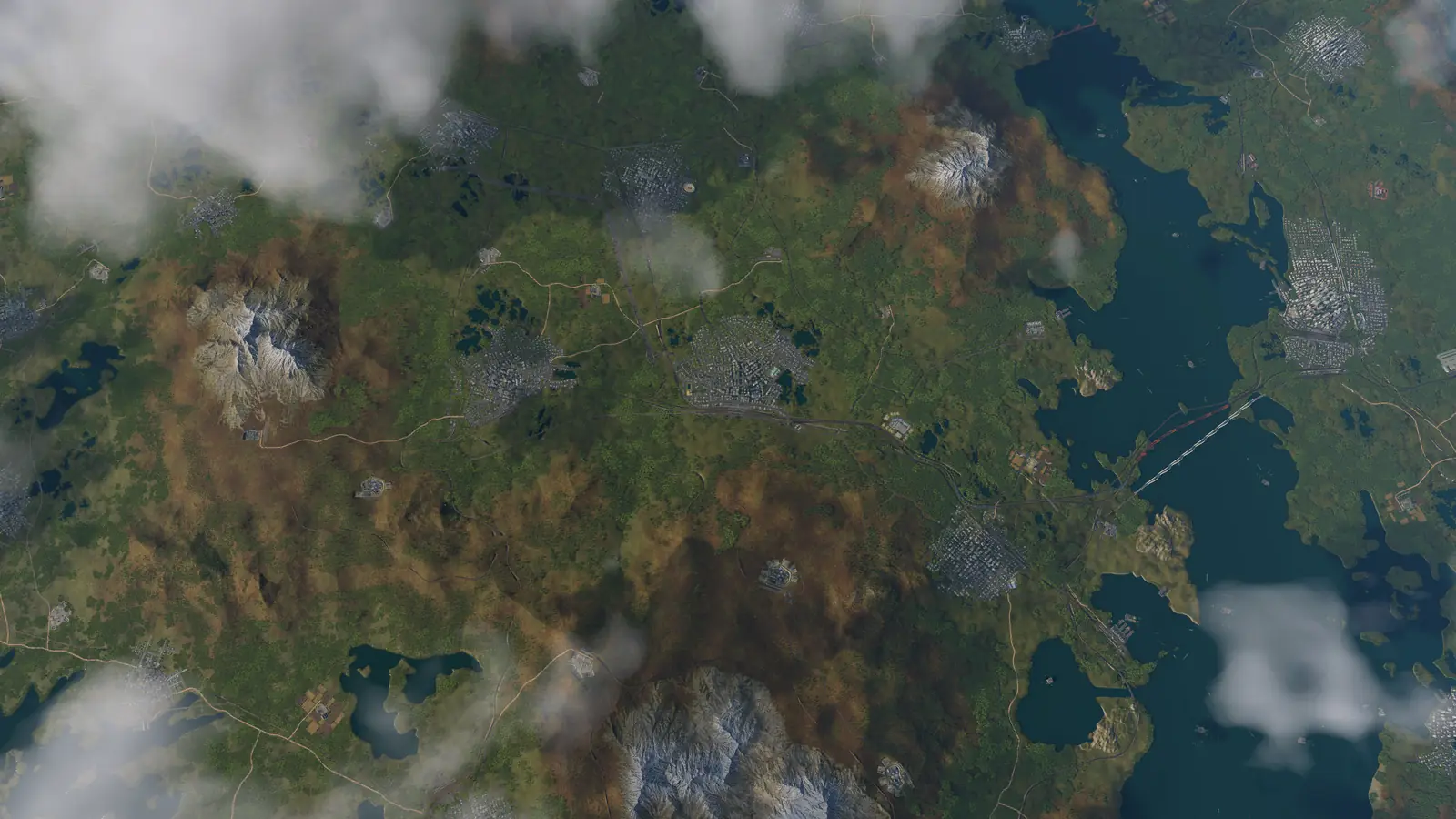
When fast-forward stops helping: The processor is the likely limit: it cannot work through the simulation any faster. The game keeps simulating vehicles, towns, industries and connections, and that work grows with the map: many towns, dense networks, lots of vehicles, busy road traffic, many industries and heavy mods all add to it. Lower graphics settings do little against this. Fewer, smaller or less populated towns help, and a new game lets you set the population in its gameplay settings. A bigger map needs more memory and, in most cases, more processor power; smaller maps run more smoothly on most computers.
Frequent crashes on 13th or 14th Gen Intel Core processors. Urban Games sees more crashes than usual on these processors, which can be unstable because of a hardware problem, and recommends updating the computer's BIOS to the latest version. Crashes, error messages and more fixes are in the troubleshooting guide, and the performance fixes of every update are on the updates page.
What the official pages do not say
- What frame rate to expect on the minimum or the recommended hardware.
- How much memory or processor power each map size needs: the manual only says that bigger maps need more of both.
- Whether the game runs well on Steam Deck: Valve has not rated it yet.
Frequently asked questions
What are the minimum system requirements for Transport Fever 3?
On Windows: Windows 10 (64-bit) or Windows 11; Intel Core i5-8400 or AMD Ryzen 5 2600X, with AVX2; 8 GB of memory; NVIDIA GeForce GTX 1060, AMD Radeon RX 480 or Intel Arc A380, 4 GB video memory; and 90 GB on an SSD. On a Mac: an Apple M2 Pro (Apple silicon only) with 16 GB of memory and macOS Sequoia 15.7 or newer. The figures come from the game's Steam page.
What are the recommended specs?
On Windows: Windows 11; Intel Core i7-13700K or AMD Ryzen 7 7800X3D, with AVX2; 16 GB of memory; NVIDIA GeForce RTX 3070, AMD Radeon RX 6800 or Intel Arc A770, 8 GB video memory; and 90 GB on an SSD. On a Mac: an Apple M4 Pro (Apple silicon only) with 24 GB of memory.
Does Transport Fever 3 run on a Mac?
Only with Apple silicon. Steam asks for at least an Apple M2 Pro (Apple silicon only) with 16 GB of memory and macOS Sequoia 15.7 or newer, and names the 14-inch MacBook Pro from 2023 as an example. Macs with an Intel processor are not supported.
Can you play Transport Fever 3 on Steam Deck?
There is no official answer yet: Valve's Steam Deck rating for the game is Unknown. Valve has not tested the game on Steam Deck yet, so Steam shows no Verified, Playable or Unsupported badge for it.
Does Transport Fever 3 need an SSD?
Yes. Steam lists 90 GB on an SSD for Windows, macOS and Linux, at minimum and recommended alike.
Does Transport Fever 3 run on integrated graphics?
Not officially. Two switches in Settings › Advanced can warn you: Show Unsupported Hardware Warning when you play on unsupported hardware such as a graphics chip built into the processor, and Show Video Memory Usage Warning when your graphics settings are too high. Asked about Intel's B390 graphics, which is built into the processor, staff said it counts as officially unsupported because it is not a dedicated graphics card. On that chip, low settings and a lower Resolution Scale should still let the game run.
Sources
Everything on this page comes from Steam and Urban Games' own pages:
- Transport Fever 3 on Steam (the minimum and recommended requirements for Windows, macOS and Linux, and the Steam Deck rating)
- Common Issues and Known Issues on the official website (AVX2, 64-bit, Apple silicon, Vulkan on Linux and choosing the separate graphics card)
- The FAQ on the official support page (which platforms the game is sold for)
- Troubleshooting in the official manual (finding what slows the game down and why fast-forward stops helping)
- Map Sizes in the official manual (what bigger maps ask of the computer and the map sizes on consoles)
- Settings in the official manual (the warnings for unsupported hardware and too much video memory)
Checked on October 10, 2026. Seen something different? Let us know.