How the worker boost works
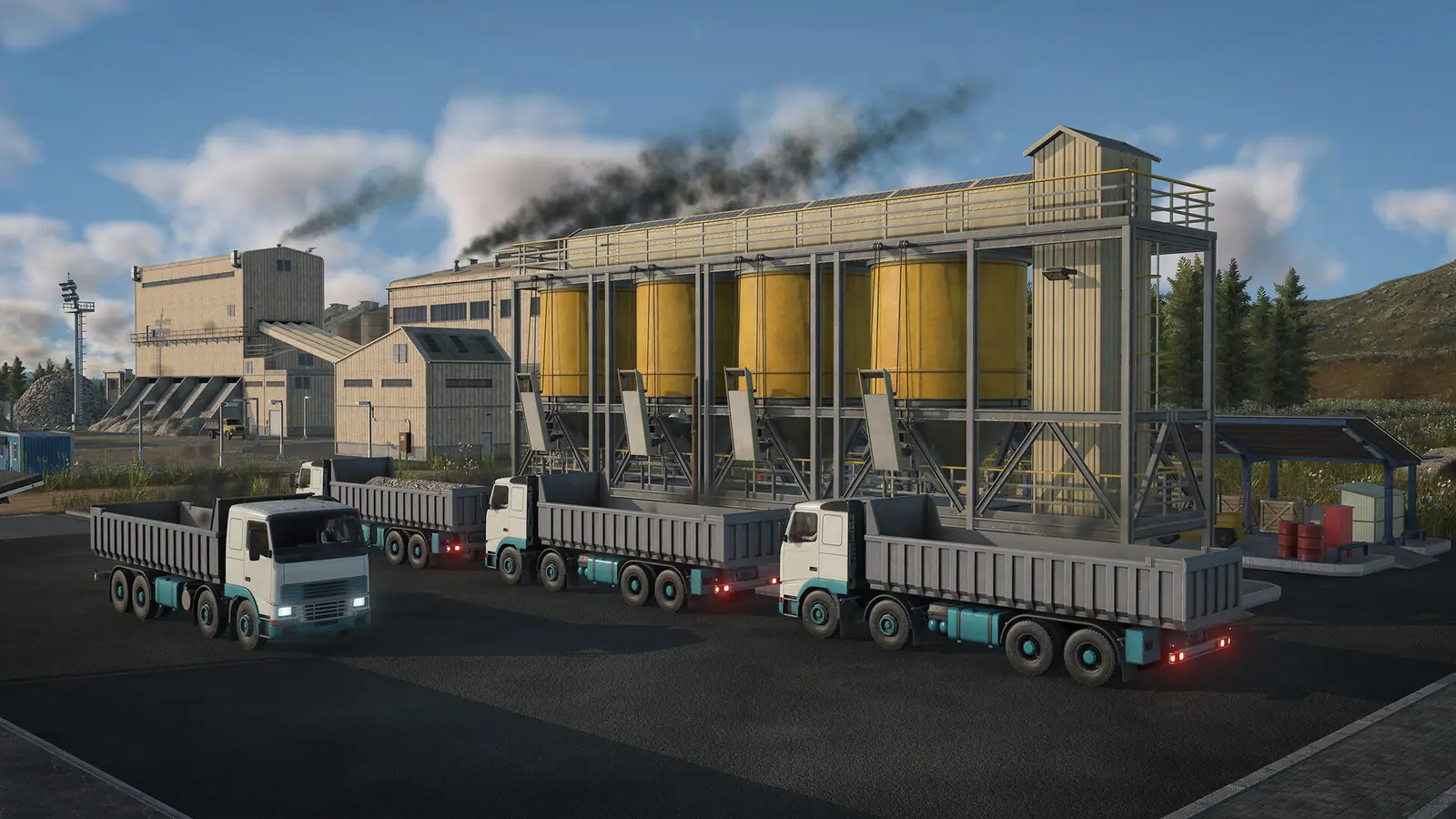
Any industry can be boosted with workers. Give it a passenger connection, and once enough workers arrive often enough, it produces faster overall; if too few have come lately, the boost switches off. Raw industries have a second way to grow their output, booster cargo.
Urban Games' announcement of the industry system calls workers a production booster, like fertilizer for farms, and warns that bringing them takes extra infrastructure. The announcement came out on August 28, 2025, before release.
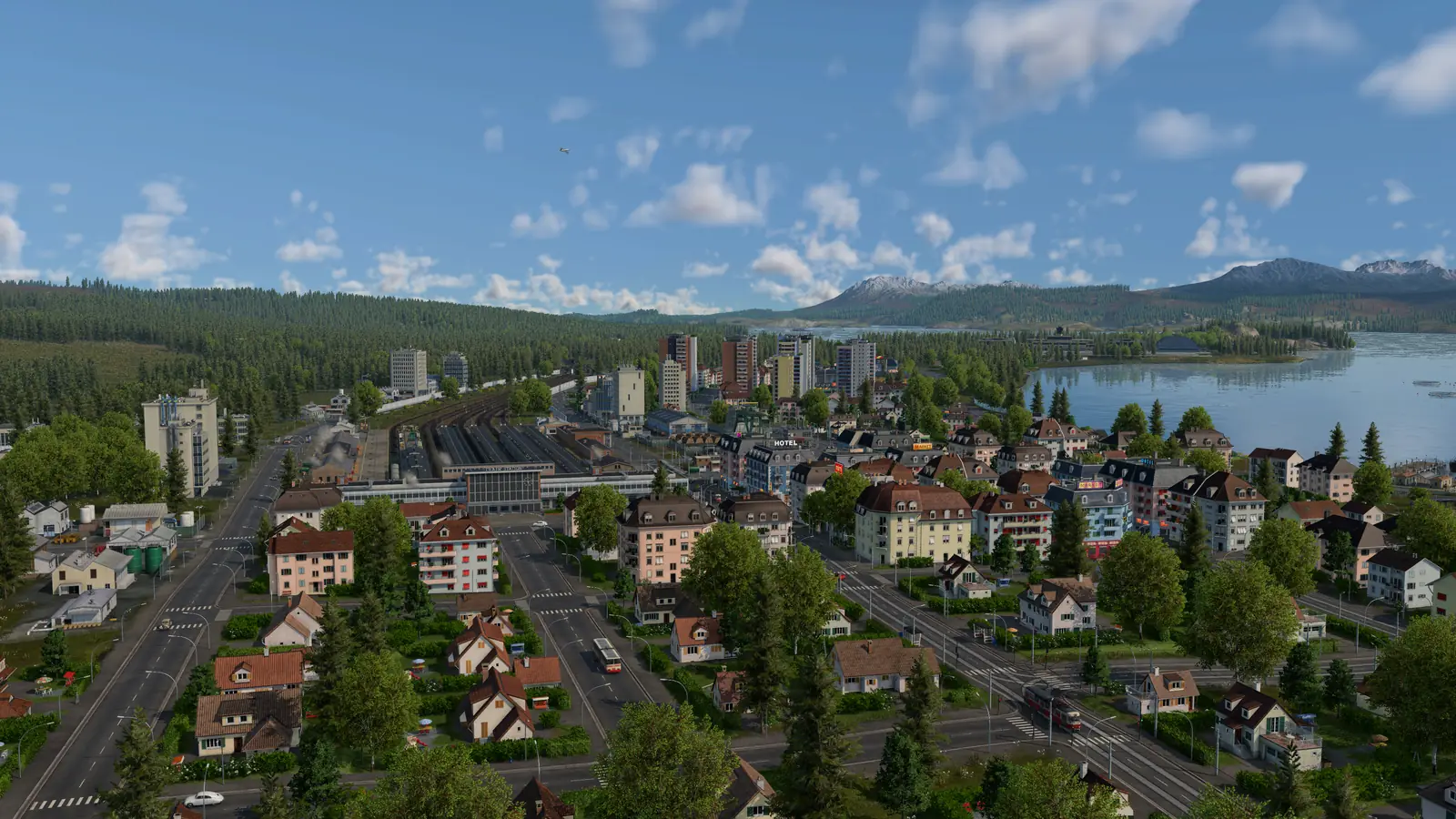
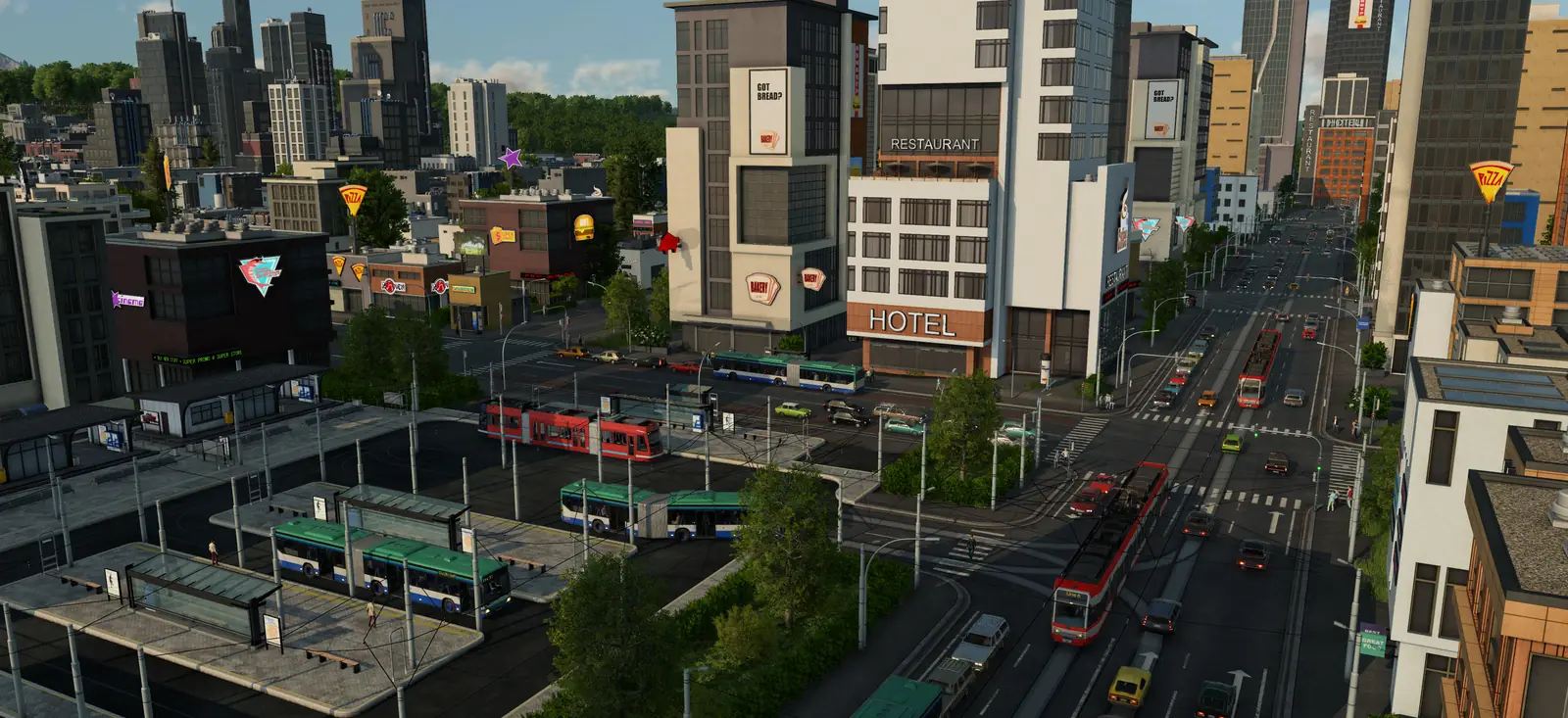
Your workers come from towns. Towns are split into residential, commercial and industrial districts. Commercial and industrial buildings in towns offer jobs as well. A building's window shows how many workplaces it has, how many workers it has, and how well its cargo needs are met. So towns have jobs of their own, besides your industries.
Setting up a worker line, step by step
- Pick the industry. Any industry can take workers. If it is a raw industry, its booster cargo raises output too: see the industry guide.
- Pick a residential district. Put a single passenger stop in the middle of a town's residential district, among the homes.
- End the line at the industry. Buses can pull into an industry's own station, so a worker line needs no extra stop at the factory end.
- Keep it short and direct. What works best: a short line with a single stop in the middle of a residential district and its other end at the industry, with nothing in between, so everyone who boards is on the way to work. One bus is often enough.
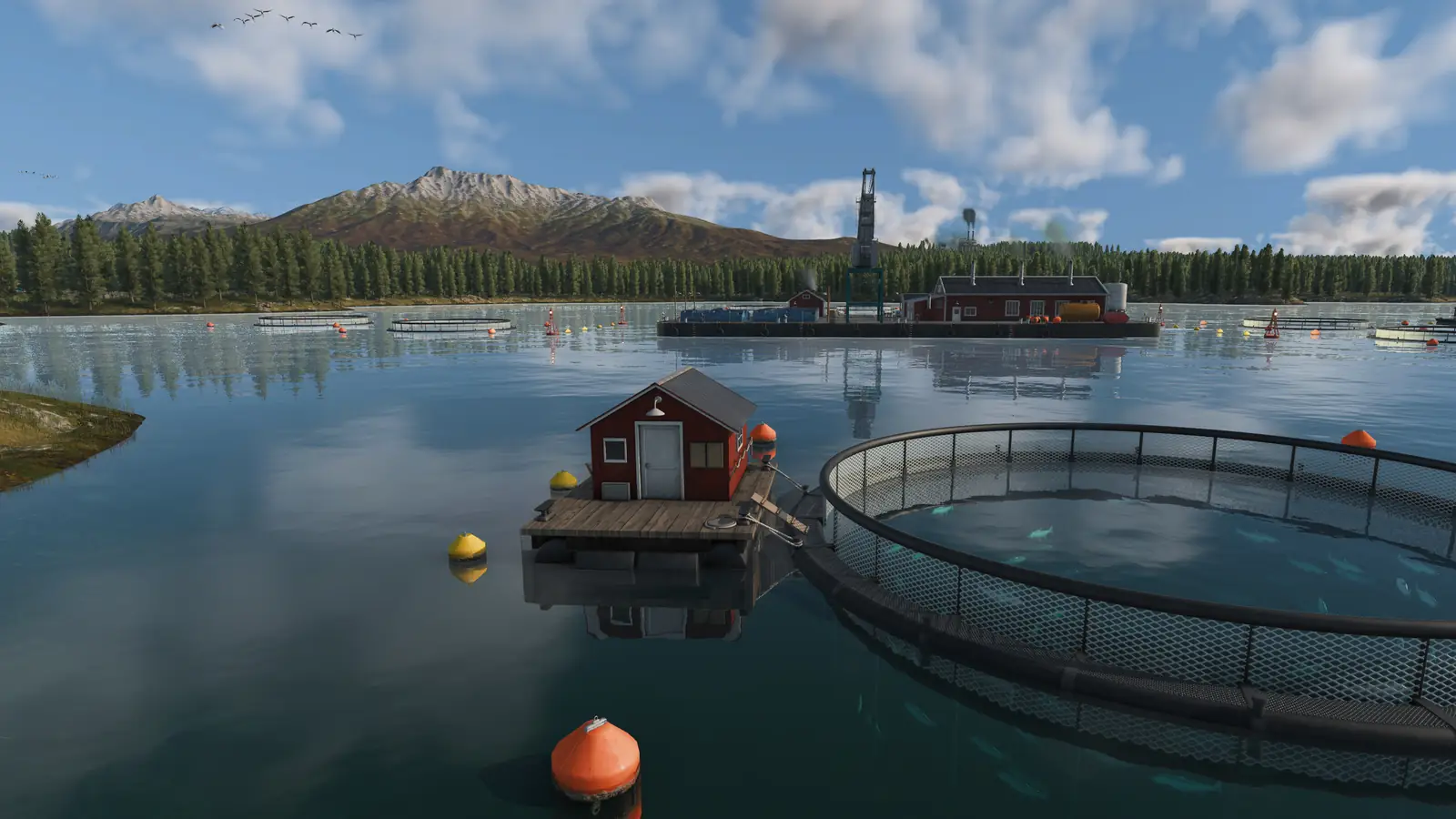
- Out at sea, use a ship. Fishing grounds and oil platforms are industries out at sea. Run the fish ships from the fishing grounds to a harbor on the shore, and send passenger ships from that harbor out to the fishing grounds to bring workers. The fish guide covers the harbor.
- Watch it fill. Open the industry and check the Booster section, then the industry statistics (below).
Can a cargo train bring the workers?
Depending on the station type, a terminal can be for passengers only or for cargo only. Harbors make no such split, but large ships can only use large landings. Each stop on a line uses one terminal. A freight train that stops at the cargo platform of a mixed station picks up no workers, even with a passenger coach attached. Run a separate passenger line, or send the train on to a second stop at a passenger platform.
Each stop gets a terminal automatically, chosen from the platforms its vehicles can reach and how busy they are. To pick one yourself, use the move button on the stop's row or in the HUD. More on stops and terminals in the line manager guide.
No workers? Why workers stop coming
If an industry gets no workers at all, check two things first: a passenger line has to stop within its reach, and a freight stop picks up no workers, even with a passenger coach on the train (cargo trains and workers). The boost only stays on while enough workers keep arriving: if too few have come lately, it switches off.
Workers are not only drawn from the nearest town. Anyone your network can carry to the industry may take the job, so on a large, busy network many of them travel a long way and arrive late.
Late in a game, worker lines fill more slowly: big towns have plenty of jobs close to home, and traffic slows the buses down. Fetch workers from small towns, or from residential areas your other lines do not serve yet.
Where to see your workers
- Booster tells you whether a boost is running. Open it to see which workers have come.
- In the industry statistics, the Workplaces column shows how many workers an industry has right now and the most it can take, and sorts by the workers it has now.
The Transport Workers subsidy
Transport Workers: An industry wants workers from nearby towns to raise its production. Carry passengers to that industry until its extra output from workers kicks in. The card on screen shows how far along you are. How subsidies pay and what a missed deadline costs is in the subsidies guide.
What the manual does not say
- Whether workers who drive their own car count towards the boost.
- Whether every industry needs the same number of workers: the manual gives no number.
- How many workers count as enough, how often they have to come, or how much faster a boost makes an industry.
Frequently asked questions
How do you transport workers in Transport Fever 3?
Workers are passengers. Any industry can be boosted with workers. Give it a passenger connection, and once enough workers arrive often enough, it produces faster overall; if too few have come lately, the boost switches off. What works best: a short line with a single stop in the middle of a residential district and its other end at the industry, with nothing in between, so everyone who boards is on the way to work. One bus is often enough.
Can a cargo train carry workers?
Depending on the station type, a terminal can be for passengers only or for cargo only. Harbors make no such split, but large ships can only use large landings. Each stop on a line uses one terminal. A freight train that stops at the cargo platform of a mixed station picks up no workers, even with a passenger coach attached. Run a separate passenger line, or send the train on to a second stop at a passenger platform.
Why do workers stop coming to my industry?
The boost switches off when too few workers have come lately, and there are two common reasons why. Workers are not only drawn from the nearest town. Anyone your network can carry to the industry may take the job, so on a large, busy network many of them travel a long way and arrive late. Late in a game, worker lines fill more slowly: big towns have plenty of jobs close to home, and traffic slows the buses down. Fetch workers from small towns, or from residential areas your other lines do not serve yet.
Where can you see how many workers an industry has?
In the industry window: Booster tells you whether a boost is running. Open it to see which workers have come. In the industry statistics, the Workplaces column shows how many workers an industry has right now and the most it can take, and sorts by the workers it has now.
Do all industries need workers?
They do not need them to produce, but every industry can be boosted by bringing it workers; raw industries can also be boosted with a booster cargo.
Is there a subsidy for transporting workers?
Yes, Transport Workers. An industry wants workers from nearby towns to raise its production. Carry passengers to that industry until its extra output from workers kicks in. The card on screen shows how far along you are.
How do workers get to fishing grounds and oil platforms?
Fishing grounds and oil platforms are industries out at sea. Run the fish ships from the fishing grounds to a harbor on the shore, and send passenger ships from that harbor out to the fishing grounds to bring workers.
Sources
The rules on this page come from the official Transport Fever 3 manual:
- Industries and Cargo (the worker booster and the Booster section of the industry window; revised September 28, 2026)
- Towns (districts, workplaces and workers in town buildings; revised September 28, 2026)
- Statistics and Data Layers (the Workplaces column of the industry statistics; revised September 29, 2026)
- Subsidies (the Transport Workers subsidy; revised September 29, 2026)
- Stations and Depots (passenger-only and cargo-only terminals; revised September 29, 2026)
- Tips and Tricks (boosting every industry with workers, town districts; revised September 29, 2026)
Also used: Urban Games' industries and cargo announcement (August 28, 2025, before release) and the official game page. Some tips on this page are not in the manual.
Checked on October 19, 2026. Seen something different in game? Let us know.