Find the stop behind it
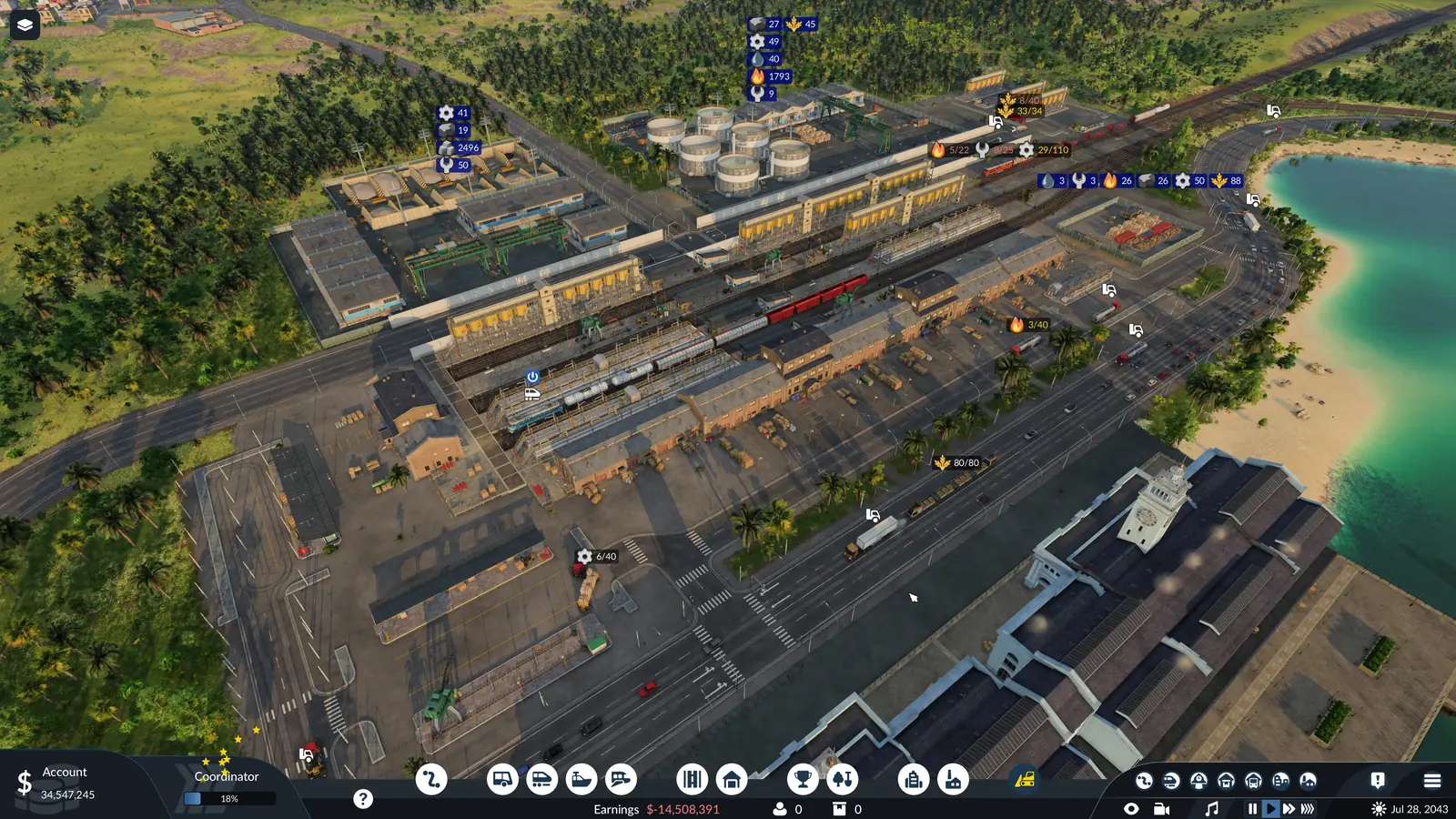
The bottom area of the line manager shows every stop's cargo icons at a glance. Start there. Look for a passenger icon on a cargo line, a cargo icon at the drop-off end, or a pick-up stop with no icon.
The game shows it when you hover the red icon next to the line's name in the line manager. Line problems are also listed in the warning window, opened from the warning icon at the top edge of the screen.
In campaign mission 8
It also turns up in campaign mission 8, on the kerosene line, after the first kerosene is sent back for its missing additive. The mission 8 walkthrough has the whole kerosene and additive chain.
Warning gone, but the cargo still does not move? Two other pages cover the two ends of a line: cargo that will not load, and cargo that will not unload.
Frequently asked questions
What does “Some Cargo Type Configurations of This Line Are Clashing” mean in Transport Fever 3?
It means the cargo set on the line's stops does not fit its vehicles, or has nowhere to go. The game shows it when you hover the red icon next to the line's name in the line manager. Line problems are also listed in the warning window, opened from the warning icon at the top edge of the screen.
How do I set which cargo a stop loads?
In the line manager, select the line and click the cargo icons of the pick-up stop, or its configure button. Choose the cargo to load there and how full the vehicles should get.
Why does my cargo line only want to carry passengers?
Each stop on a line can load passengers, any mix of cargo types, or nothing. Cargo vehicles on a line whose stops still load passengers, or nothing, have nothing to pick up. In the line manager, select the line and click the cargo icons of the pick-up stop, or its configure button. Choose the cargo to load there and how full the vehicles should get.
Should the drop-off stop load anything?
A stop can be set to load a cargo that nothing in its reach supplies. This often happens at the drop-off end of the line. A vehicle set to wait for a full load there waits for nothing. Take that cargo off the stop's settings. The drop-off stop then loads nothing, or only what is really waiting there.
Do I need a warehouse to move cargo between two lines?
Yes: stations themselves keep no cargo, so one line can only hand cargo to another through a warehouse. Put the drop-off stop in reach of the industry or the part of town that uses the cargo. To pass cargo from ships to trucks, or between any two lines, build a warehouse in reach of both stations. Give it a module that takes that cargo.
How do I find the stop that causes the warning?
The bottom area of the line manager shows every stop's cargo icons at a glance. Start there. Look for a passenger icon on a cargo line, a cargo icon at the drop-off end, or a pick-up stop with no icon.
Sources
The stop settings, the unloading rule and the warning window come from the official Transport Fever 3 manual:
- Lines and Vehicles (revised September 29, 2026)
Last checked on November 18, 2026.