Where to build a warehouse
Skip the road connection. What counts is the circle around each station: when the warehouse sits inside it, vehicles at that station can drop cargo off and pick it up. So the warehouse range players ask about is really the range of the station, and moving the warehouse a little closer to the stop is often all it takes.
For a transfer you need only one warehouse, placed where the circles of both stations reach it: a truck stop and a train station next to each other can share it.
Universal or specialized warehouse?
- Universal: stores every cargo type side by side and costs less. The easy choice for a small hub.
- Specialized: Liquid, Bulk, Flatbed or Goods. Loading and unloading go faster, and cargo inside stops aging because its delivery timer is frozen. Each module keeps a single cargo type, chosen by clicking its icon in the Stocks list.
Meat and canned food are both Goods, so keeping both takes two Goods modules.
Which industry needs which cargo is in the production chain planner. Setting what a stop loads is covered in the line manager guide. To leave only part of a train's load in the warehouse and carry the rest on, set a stop percentage as the full load and unload percentage guide explains.
Warehouse not working?
- Nothing goes in or comes out. Click the station and look at its circle. If the warehouse is not tinted inside it, the station cannot reach it: move the stop or build the warehouse closer.
- One cargo goes in, another does not. Open the Stocks list. A specialized module may already be set to another cargo or be full; give the second cargo a module of its own.
- The cargo ends up in town, not in the warehouse. A district in reach wants it and takes it first. Move the transfer to a station where no district asks for that cargo.
- Trucks at a roadside stop leave empty. Roadside stops handle cargo more slowly, and one may never load from a warehouse right in front of it. A truck cargo station there usually does.
- Cargo arrives too late and pays less. Cargo keeps aging in a universal warehouse. A specialized module freezes its delivery timer while it waits.
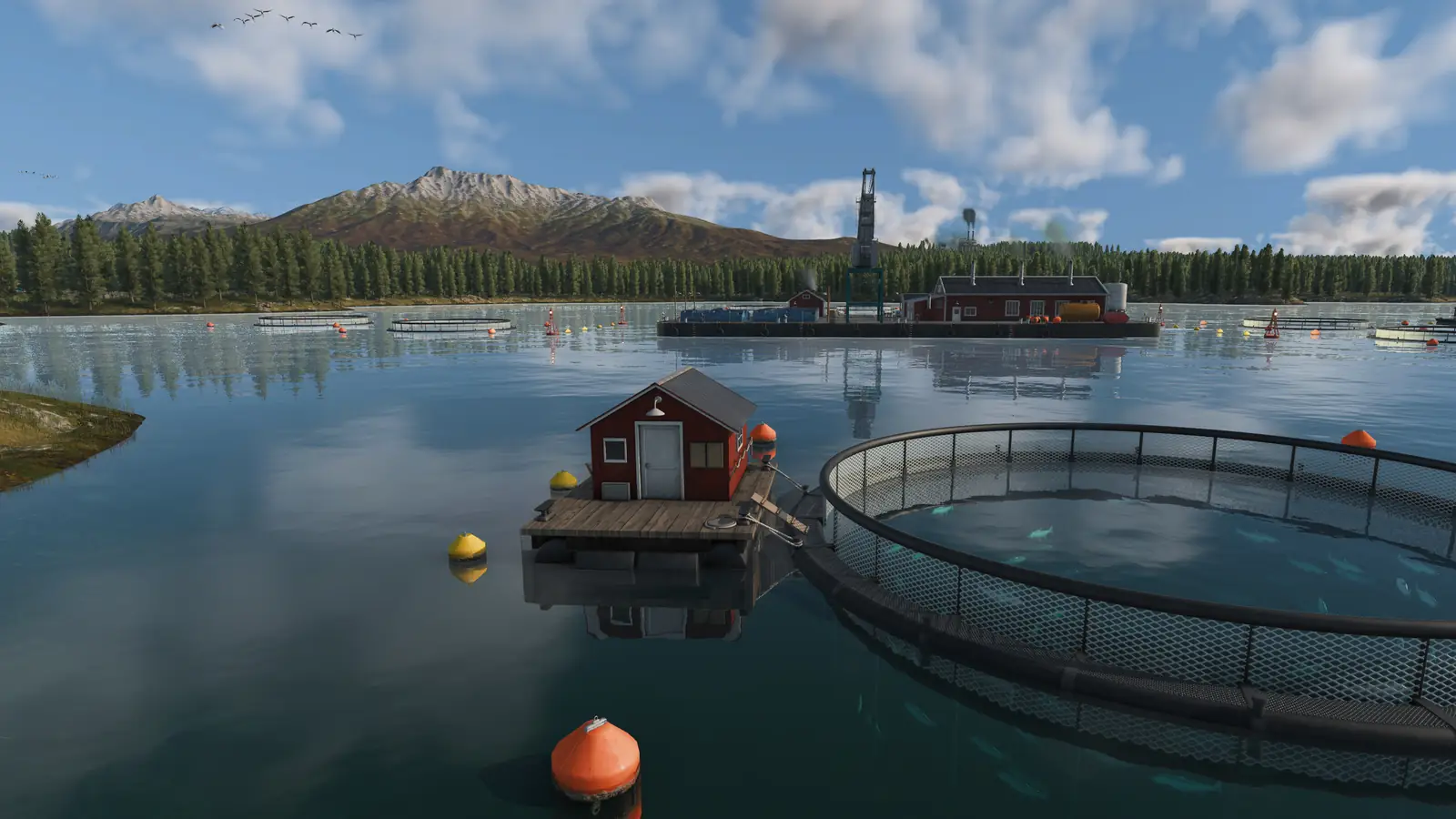
If a line shows a warning about a cargo it cannot unload or load, the cargo unloading guide and the cargo loading guide go through each cause. Fish has its own chain from the harbor, in the fish guide.
Stocks, modules and removing a warehouse
Each module has a row in the warehouse window's Stocks section: what it accepts, how much it holds and how long that cargo still has, plus a button that empties the module.
To grow a warehouse, press Configure in its window. The map turns white and the module menu opens at the bottom; each module shows its building cost while you place it.
Remove a single module only from inside Configure. The bulldozer used outside that mode tears down the whole warehouse.
Warehouses and town noise
Warehouses make noise. In an official pre-release screenshot, they made 11% of the noise in a large town, so build them away from homes. How to cut noise is in the town growth guide.
Frequently asked questions
How do warehouses work in Transport Fever 3?
A warehouse holds cargo between two lines. It needs no road: build it inside the catchment circle of every station that should use it, and vehicles stopping there unload into it and load from it. A universal warehouse takes any mix of cargo; a specialized module loads faster and keeps the cargo from aging, but holds one cargo type at a time. Towns and industries never take anything out of it themselves, so another line has to carry the cargo on.
Does a warehouse need a road?
No. A station can use it as soon as the warehouse stands inside that station's catchment circle.
What is the range of a warehouse?
It has no range of its own. What matters is the catchment circle of each station, and the warehouse has to stand inside it. For a transfer you need only one warehouse, placed where the circles of both stations reach it: a truck stop and a train station next to each other can share it.
Can a warehouse store more than one cargo type?
A universal one can. A specialized module keeps one cargo type at a time. Meat and canned food are both Goods, so keeping both takes two Goods modules.
Should I use a universal or a specialized warehouse?
Universal for a small mixed hub, because it takes everything and costs less. Specialized (Liquid, Bulk, Flatbed, or Goods) when one cargo moves in bulk or has far to go, because it loads faster and stops the delivery timer.
Why is my warehouse not working?
Click the station and look at its circle. If the warehouse is not tinted inside it, the station cannot reach it: move the stop or build the warehouse closer. Open the Stocks list. A specialized module may already be set to another cargo or be full; give the second cargo a module of its own.
Why does my train unload into the town instead of the warehouse?
A vehicle hands its cargo to whatever in reach of the stop takes it. You cannot tell a train to fill the warehouse and skip a town district that wants the same cargo, so put the transfer where no district inside the circle asks for it.
How many warehouse modules do I need?
One specialized module for every cargo type the hub keeps, since a module holds a single type. Canned food, meat and planks take two Goods modules and one Flatbed module; a universal warehouse keeps all three.
Sources
Last checked on November 10, 2026.