What “There is no electrified path” means
The train or tram stops where it is, and its vehicle window shows the message. It reads There is no electrified path
, and the warning reads No Electrified Path
.
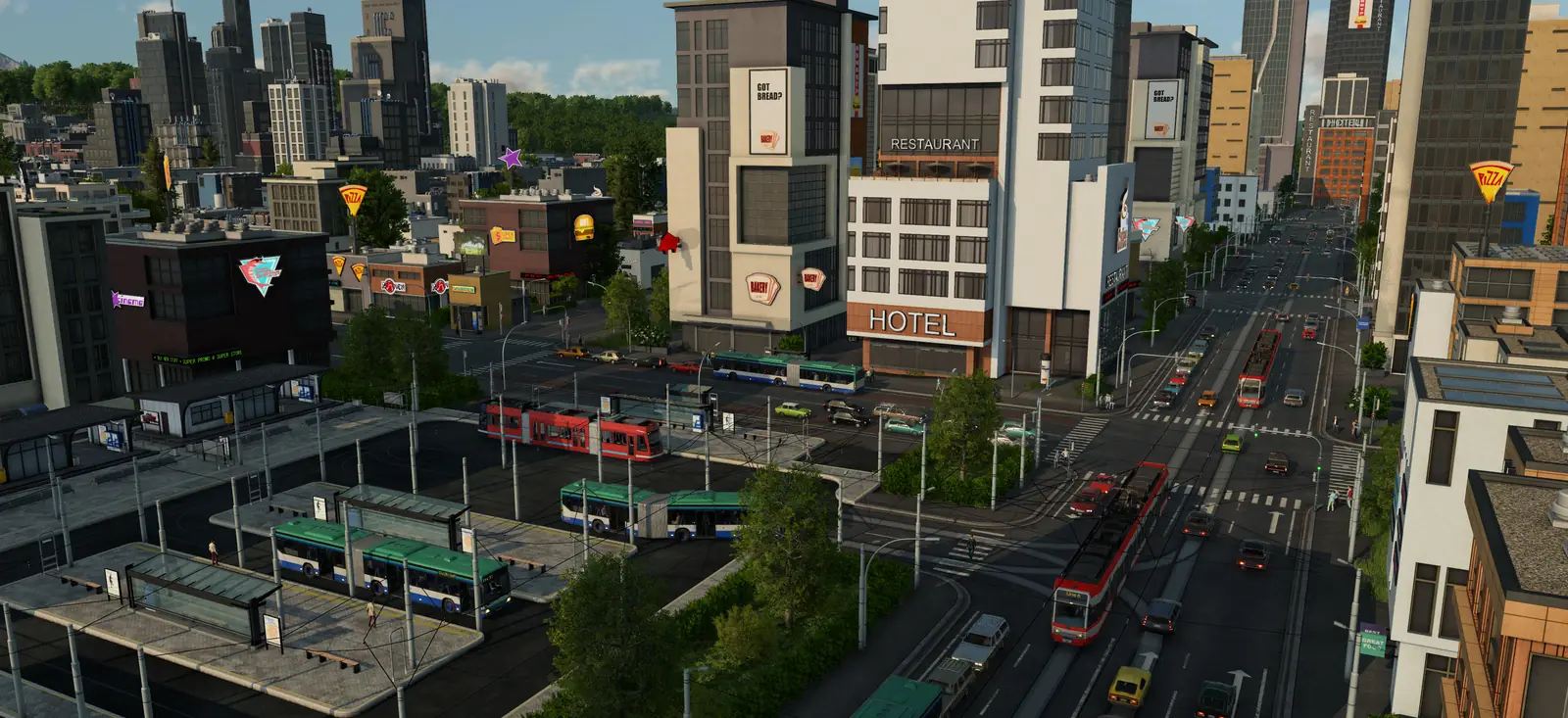
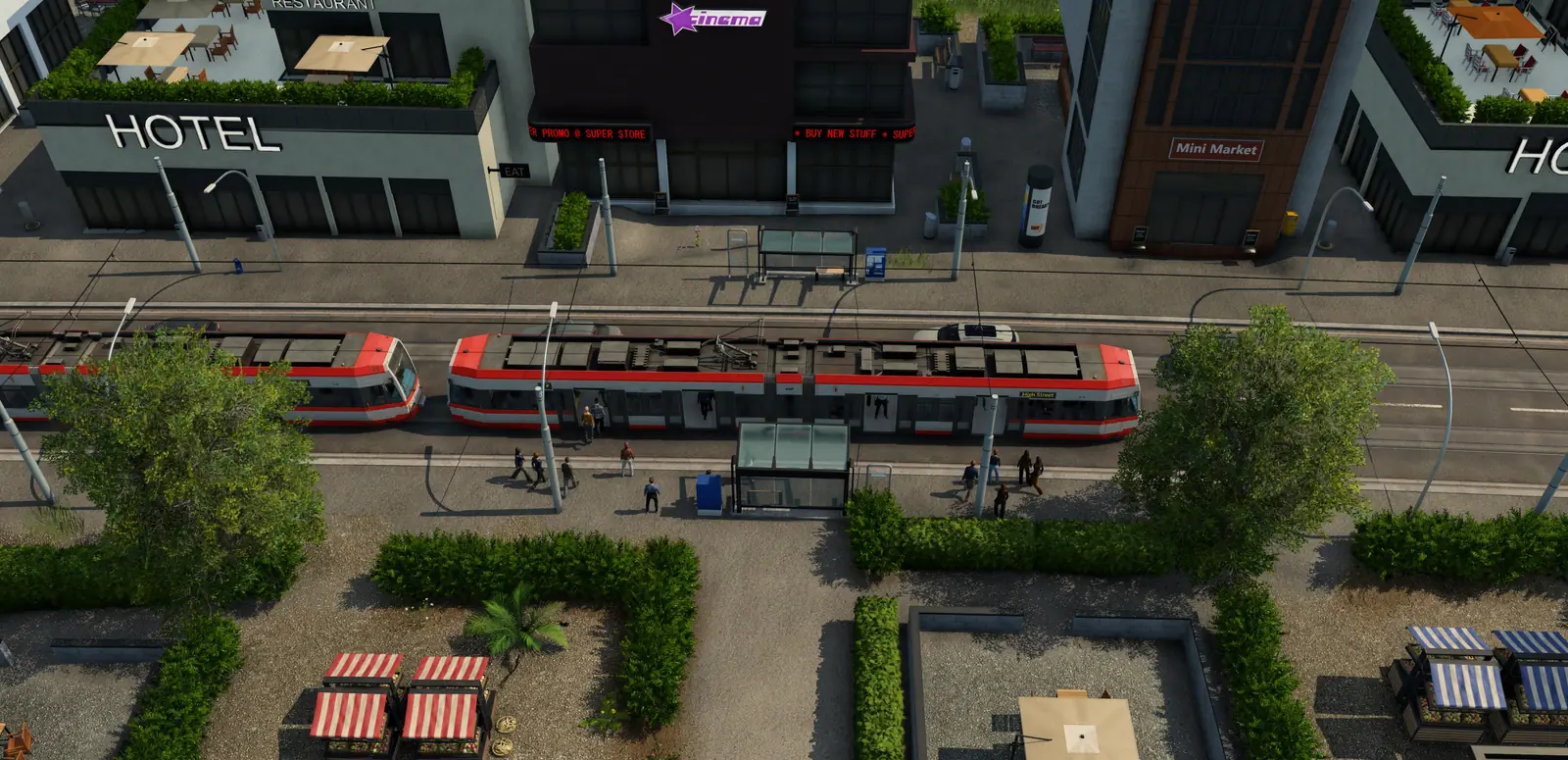
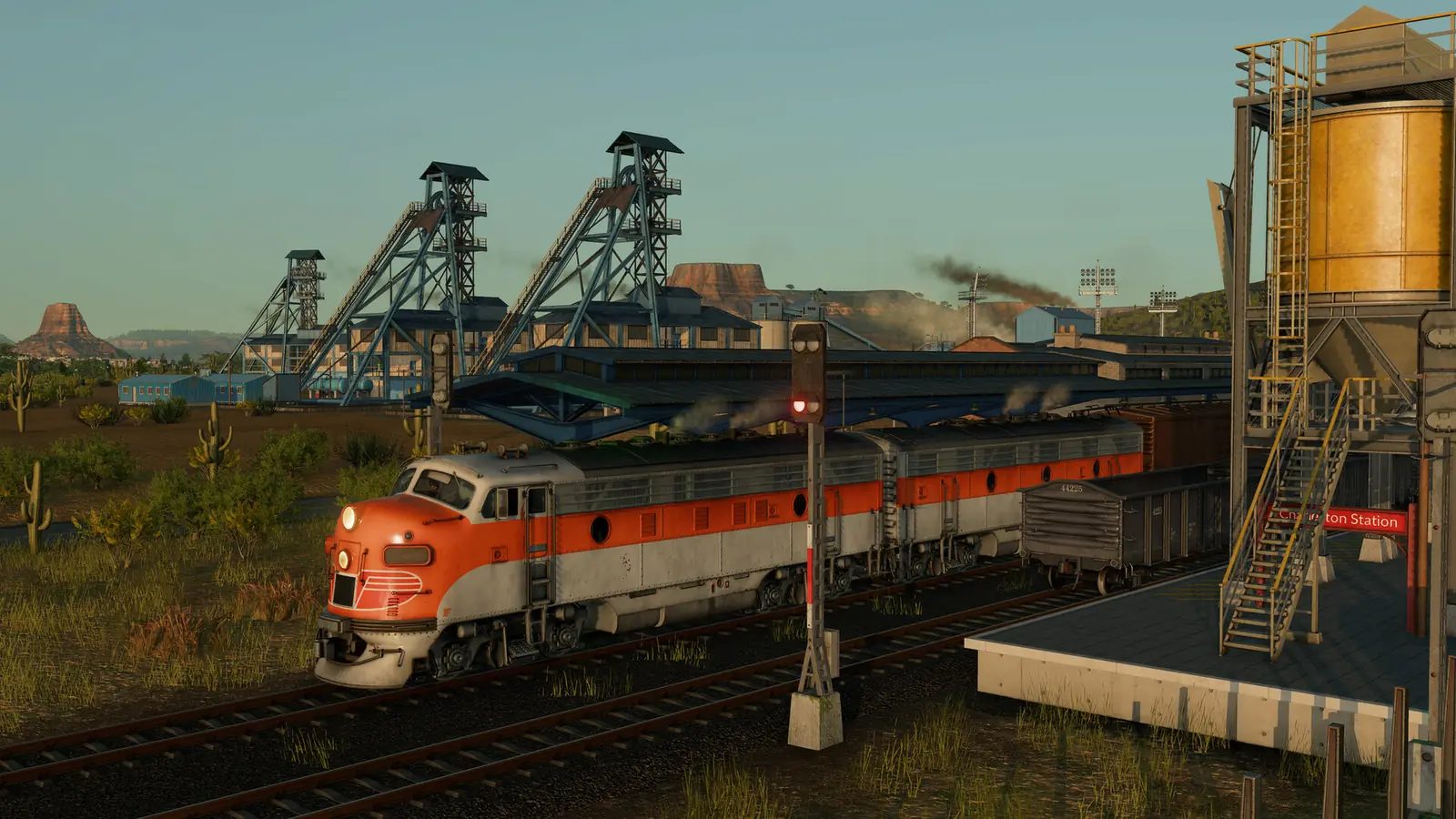
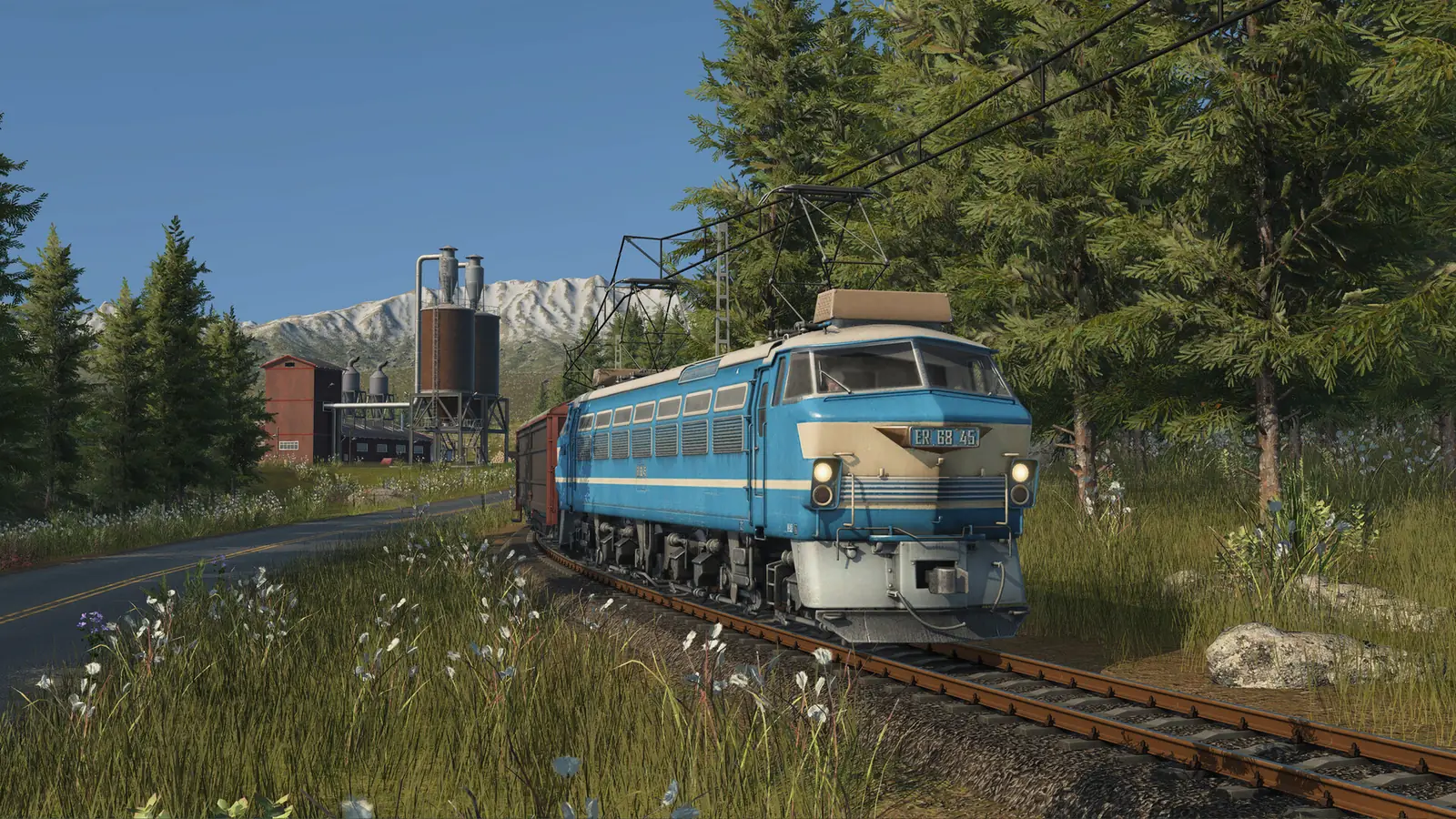
Trains run on railway track or on electrified railway track, and trams on streets with tram track or electrified tram track, depending on their propulsion. So an electric train or tram needs overhead wires on every piece of track between its depot, its stops and the terminals it uses there. One piece without wires, and it has no path. When a vehicle cannot reach a stop or a terminal, the line gets a problem icon in the line manager, and the warnings at the top of the screen list it. Changing tracks or signals can cause this later.
Check these in order
1. A stop uses a terminal without wires
After a street is widened, or a bus line is turned into a tram line, the game can move a stop to a terminal on a lane with no tram track. At a rail station it can pick a platform whose track has no overhead wires. The line then has no electric way into that stop, although the track itself is fine.
Fix: Open the line in the line manager, look at the terminal each stop uses, and move it to the terminal on the tram track or to an electrified platform.
Each stop gets a terminal automatically, chosen from the platforms its vehicles can reach and how busy they are. To pick one yourself, use the move button on the stop's row or in the HUD. The line manager guide shows where the stops and their terminals are.
2. A short piece has no overhead wires
Somewhere on the route a short piece of track has no wires: at a junction, a switch, a road crossing or on a station track. It is often too small to see from above.
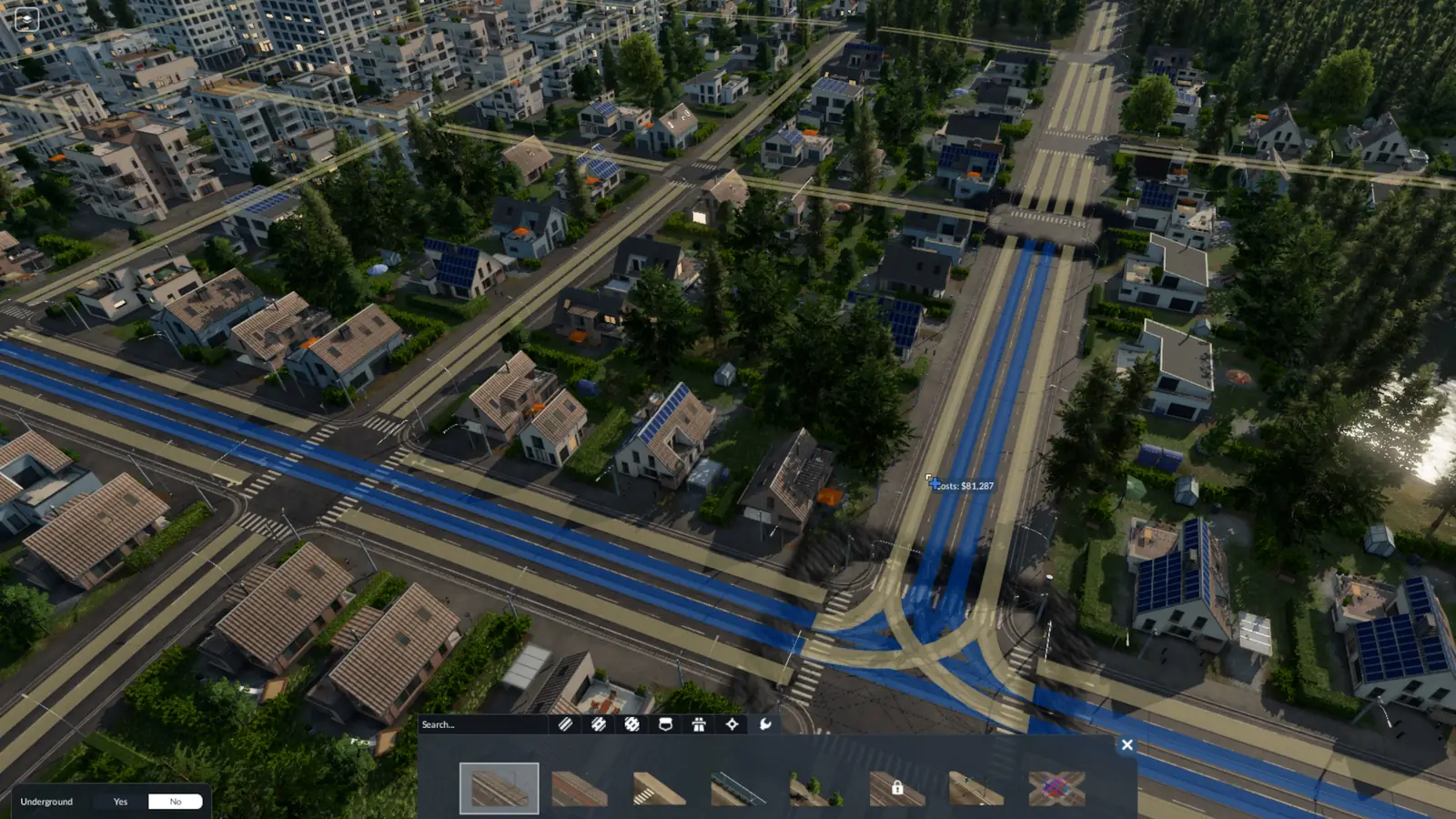
Fix: Pick the tool that adds overhead wires and move it along the route: every piece that already has wires shows blue, and the piece that is missing them shows yellow. Apply the tool there, holding Shift to change only that piece.
On the Tools tab of the Tracks menu you can add or remove overhead wires. Sections that do not have the selected tool applied yet show in yellow, all others in blue. The tool usually changes every section on screen between two switches, or a few hundred meters of track where there are no switches. Hold Shift to change only some sections. On the Tools tab of the street menu you can add or remove tram tracks, with or without overhead wires. Sections and crossings the tool has not been applied to yet show in yellow, the rest in blue. Track modules let you electrify only some tracks of a rail station. More on the street tools in the roads guide, and on tram tracks in the tram guide.
3. The depot's connection has no wires
The short piece that links a depot to the network can be left without wires. An electric train or tram bought there then has no electric way out.
Fix: Add overhead wires to that piece with the tool, or rebuild the depot with electrification switched on.
Connect each depot to the street, tram or rail network its line uses, or new vehicles cannot reach the first stop. A shipyard needs navigable water and a water route to the line's first stop. Connect the tram depot to the tram tracks, or the trams you buy there cannot reach the first stop of their line. The stations and depots guide covers building depots.
4. Everything has wires and it still stops
Sometimes the message stays after the network is complete. It looks like a bug.
Fix: Send the vehicles back to the depot and then put them on the line again, or save, quit to the desktop and load the save.
If it keeps coming back, report it with your save on Urban Games' official forum.
Not about wires?
If a diesel or steam train finds no path, or trains block each other, the train signals guide sorts those problems by what you see. If a big ship has no path, see the ships and harbors guide.
What the manual does not say
- The message "There is no electrified path" itself, or what triggers it: a search of the whole manual finds nothing.
Frequently asked questions
What does “There is no electrified path” mean in Transport Fever 3?
Trains run on railway track or on electrified railway track, and trams on streets with tram track or electrified tram track, depending on their propulsion. The message means an electric train or tram cannot find a way with overhead wires all the way from its depot to its stops. There are four causes: a stop uses a terminal without wires; a short piece has no overhead wires; the depot's connection has no wires; everything has wires and it still stops.
Why do my trams say no electrified path after I upgraded the street?
After a street is widened, or a bus line is turned into a tram line, the game can move a stop to a terminal on a lane with no tram track. At a rail station it can pick a platform whose track has no overhead wires. The line then has no electric way into that stop, although the track itself is fine. Open the line in the line manager, look at the terminal each stop uses, and move it to the terminal on the tram track or to an electrified platform.
How do I find the piece of track without overhead wires?
On the Tools tab of the Tracks menu you can add or remove overhead wires. Sections that do not have the selected tool applied yet show in yellow, all others in blue. Pick the tool that adds overhead wires and move it along the route: every piece that already has wires shows blue, and the piece that is missing them shows yellow. Apply the tool there, holding Shift to change only that piece.
Does the depot need overhead wires?
The piece that connects it to the network does. The short piece that links a depot to the network can be left without wires. An electric train or tram bought there then has no electric way out. Add overhead wires to that piece with the tool, or rebuild the depot with electrification switched on.
Everything has overhead wires and the train still stops. What now?
Sometimes the message stays after the network is complete. It looks like a bug. Send the vehicles back to the depot and then put them on the line again, or save, quit to the desktop and load the save.
Sources
The rules on this page come from the official Transport Fever 3 manual:
- Vehicles (which track electric trains and trams run on; revised September 28, 2026)
- Streets and Tracks (adding overhead wires to tracks and tram tracks, and the yellow and blue sections; revised September 29, 2026)
- Stations and Depots (electrified station tracks and connecting depots; revised September 29, 2026)
- Lines and Vehicles (terminals, and how a line shows a problem; revised September 29, 2026)
The causes and fixes are not in the manual; we last checked them on October 23, 2026.
Checked on October 23, 2026. Seen something different in game? Let us know.